
Scheduled workflow not getting triggered on time in IWX v4.2
Problem Description:
A scheduled workflow will not get triggered on time if there are three or more workflows scheduled to run at the same point in time.
The usual flow for triggering a workflow shown below.
i) IWX will Insert a lock on the workflow.
ii) IWX will acquire the trigger for the workflow.
iii) Workflow will be executed on time.
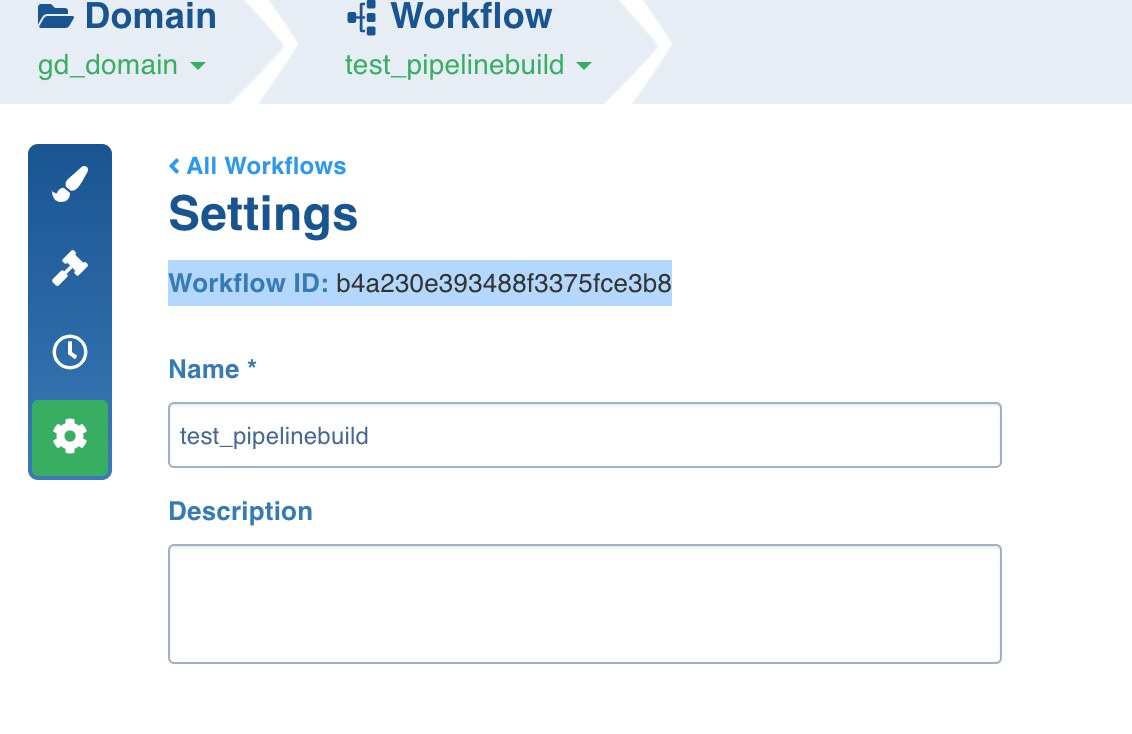
If a particular workflow is not getting triggered on time, you could see the below messages in bold at the scheduled time in $IW_HOME/logs/platform/scheduler-service.log (4bc1a49438e11829a382b2c8is the ID of the workflow which you can get from Infoworks UI)
2021-03-02 04:00:05,549 INFO [QuartzScheduler_QuartzSchedulerThread] dao.LocksDao:90 : Inserting lock for trigger iw_workflow-build:b4a230e393488f3375fce3b8.workflow-build:b4a230e393488f3375fce3b8 2021-03-02 04:00:05,577 INFO [QuartzScheduler_QuartzSchedulerThread] dao.LocksDao:162 : Removing trigger lock **iw_workflow-build:b4a230e393488f3375fce3b8.**workflow-build:b4a230e393488f3375fce3b8.NON_CLUSTERED 2021-03-02 04:00:05,585 INFO [QuartzScheduler_QuartzSchedulerThread] dao.LocksDao:164 : Trigger lock iw_workflow-build:b4a230e393488f3375fce3b8.workflow-build:b4a230e393488f3375fce3b8.NON_CLUSTERED removed. 2021-03-02 04:00:05,585 DEBUG [QuartzScheduler_QuartzSchedulerThread] *core.QuartzSchedulerThread:276 :**batch acquisition of 0 ***
IWX will try to Insert a lock for the workflow and then immediately the lock will be removed without triggering it. The batch acquisition count will be displayed as 0.
Root cause: This issue happens if there are three or more workflows scheduled to run a particular point in time because of the misfire threshold being 5 seconds and a single scheduler thread is taking care of the triggers. This is a limitation in the IWX scheduler which is fixed in IWX v4.5
Solution: Perform the below steps to apply the patch for this issue in IWX versions below 4.5
a) Login to IWX Edge node as Infoworks user.
b) Move the existing scheduler-service.jar located at $IW_HOME/platform/bin/scheduler-service.jar to /opt/infoworks directory (mv /opt/infoworks/platform/bin/scheduler-service.jar /opt/infoworks/bkp_scheduler-service.jar_bkp). c) Download the new scheduler-service.jar from the location. <https://drive.google.com/file/d/1-A_c_PML6-X0muEDWvRQe1uspW8rJ94i/view?usp=sharing>
d) Copy the downloaded jar to $IW_HOME/platform/bin/
e) chmod 777 $IW_HOME/platform/bin/scheduler-service.jar
f) After the copy, run the below cksum command and verify the checksum
cksum scheduler-service.jar
1471893557 47252 scheduler-service.jar
g) Restart platform service.
$IW_HOME/bin/stop.sh platform
$IW_HOME/bin/start.sh platform
This should resolve the scheduler issue
Applicable Infoworks Versions
v3.1.2,v4.0.v4.1,v4.2.x