
How to ingest from Hubspot using Datafoundry
Prerequisites:
Step 1:
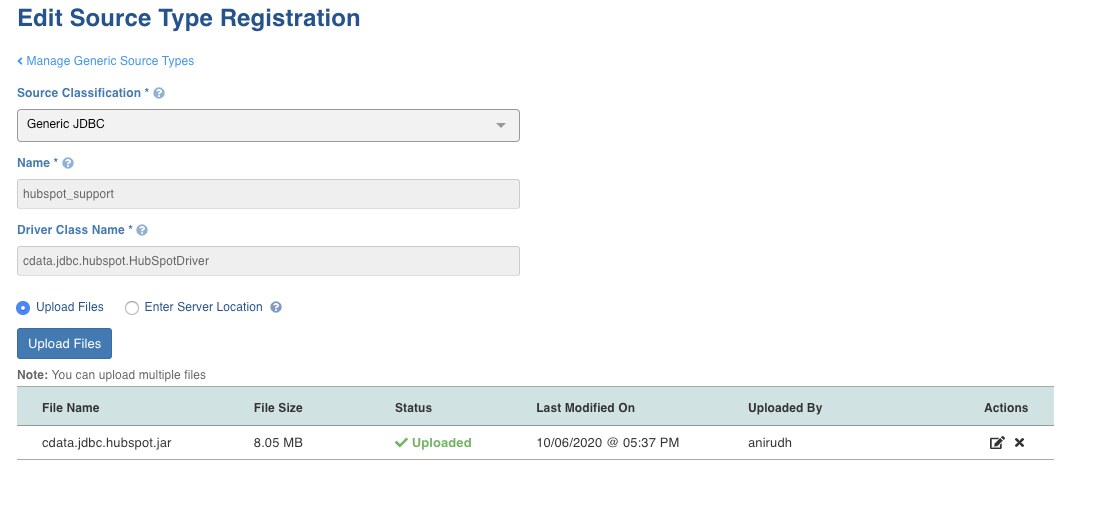
Please register a new generic JDBC source for Hubspot
Ref: <https://docs.infoworks.io/onboard-data/generic-jdbc-source-types>
For Driver Class Name,enter : cdata.jdbc.hubspot.HubSpotDriver
Additional drivers for Generic JDBC including Hubspot are located at $IW_HOME/oem/drivers
The no. of Generic JDBC Source types that can be registered depends on your License. Please make sure you are licensed to use Generic JDBC Source Types and you have free slots to register new source types.
Step 2:
Get the API key from Hubspot (The API key can be created by super Admin user only )
<https://knowledge.hubspot.com/integrations/how-do-i-get-my-hubspot-api-key>
Ingesting from Hubspot
Step 1:
Go to Admin>Sources>Add New Source and select Hubspot(Name used while registering the source ) under Generic JDBC Source Type.
Step 2:
Provide Source Name, Target Schema, and Target File System
Step 3:
Go to Data Catalog > Select the Source that you have created and click on the Ingest button.
Step 4:
Fill in the below details, replace the API key with your own API key
jdbc:hubspot:APIKey="9806b0-7a57-4dbe-80cd-026c4fb2f07e";
Username and Password can be *******
Source Schema: HubSpot
Step 5:
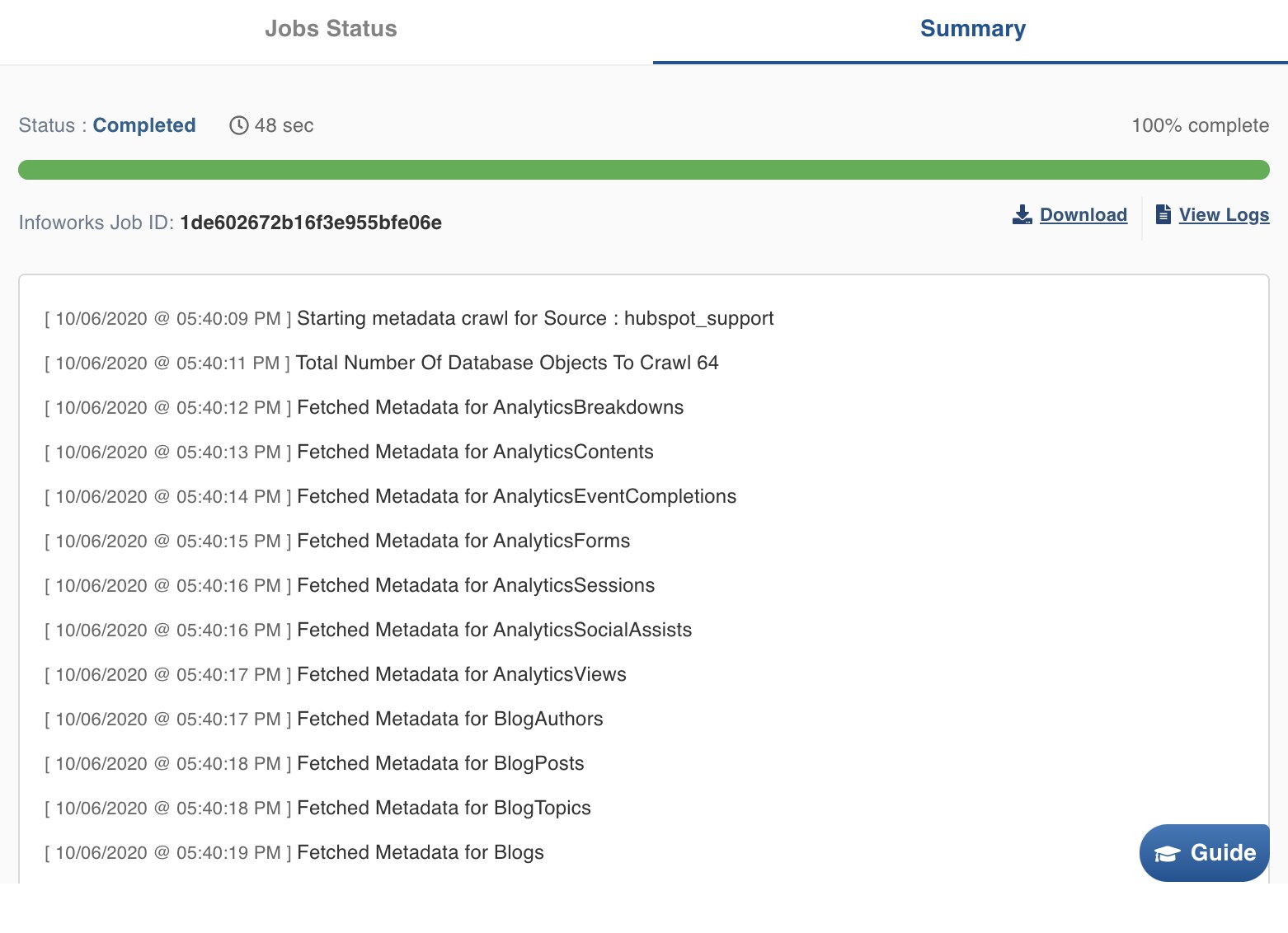
Save and Crawl Metadata
Step 6:
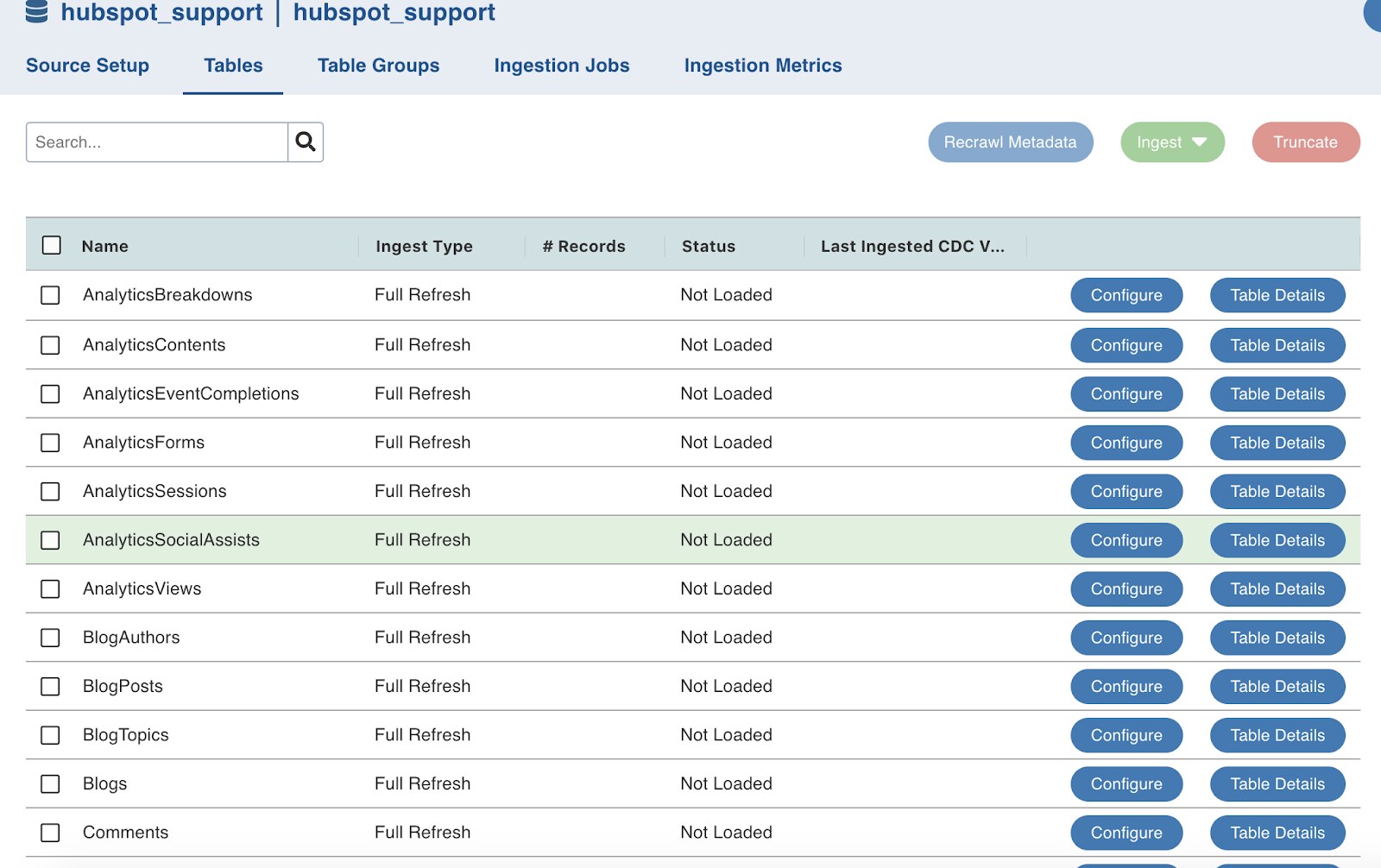
Once the crawl completes you will be able to see the Tables in the ‘Tables’ tab for the source.
Ingest required tables
4.2 and above