Problem Description: Sample Data/Schema crawl option for a table fails with the below ERROR for a CSV source on the User interface
Length of parsed input (4097) exceeds the maximum number of characters defined in your parser settings (4096). Hint: Number of characters processed may have exceeded limit of 4096 characters per column. Use settings.setMaxCharsPerColumn(int) to define the maximum number of characters a column can have Ensure your configuration is correct, with delimiters, quotes and escape sequences that match the input format you are trying to parse Parser Configuration: CsvParserSettings: Auto configuration enabled=true Auto-closing enabled=true Autodetect column delimiter=false Autodetect quotes=false Column reordering enabled=true Delimiters for detection=null Empty value=null Escape unquoted values=false Header extraction enabled=null Headers=null Ignore leading whitespaces=true Ignore leading whitespaces in quotes=false Ignore trailing whitespaces=true Ignore trailing whitespaces in quotes=false Input buffer size=1024 Input reading on separate thread=true Keep escape sequences=false Keep quotes=false Length of content displayed on error=-1 Line separator detection enabled=false Maximum number of characters per column=4096 Maximum number of columns=1024 Normalize escaped line separators=true Null value=null Number of records to read=all Processor=none Restricting data in exceptions=false RowProcessor error handler=null Selected fields=none Skip bits as whitespace=true Skip empty lines=true Unescaped quote handling=nullFormat configuration: CsvFormat: Comment character=# Field delimiter=, Line separator (normalized)=\n Line separator sequence=\n Quote character=" Quote escape character=\ Quote escape escape character=\ Internal state when error was thrown: line=1, column=17, record=1, charIndex=5229, headers=[checkDate, runNumber, periodBeginDate, periodEndDate, payMethod, checkNumber, voucherNumber, checkOrVoucherNumber, totalWorkedHours, totalHours, totalGross, totalDeductions, totalTaxes, netCheckAmount, netDirectDepositAmount, totalNet, taxes, earnings, deductions, costCenters, checkKey, divisionKey, employeeKey, employeeNumber], content parsed
Root cause: This is a limitation from the Univocity parser that Infoworks uses to parse the CSV during the Sample Data run. The maximum characters per column value is set to 4096 by default causing this issue.
Solution:
a) Login to Infoworks Edge node as Infoworks user and add the below config in the conf.properties file to increase this limit (this configuration will not be there by default in the file).
csv_max_column_char_size=15000
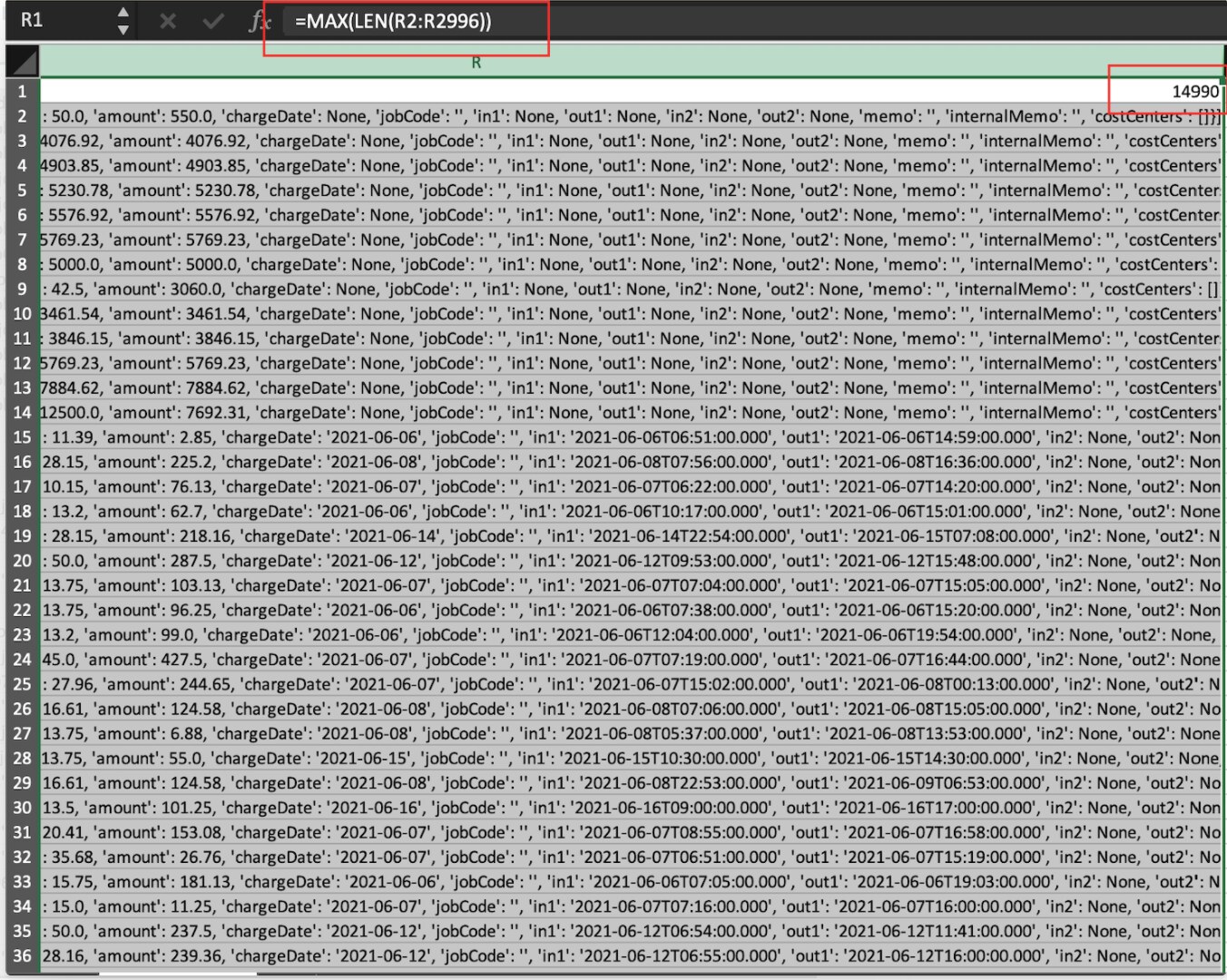
Set the value by checking the maximum length of the value of a string column. In my case, I have used the below excel function to identify the max length of a string column value.
b) source /opt/infoworks/bin/env.sh
c) Restart Ingestion service.
/opt/infoworks/bin/stop.sh ingestion && /opt/infoworks/bin/start.sh ingestion
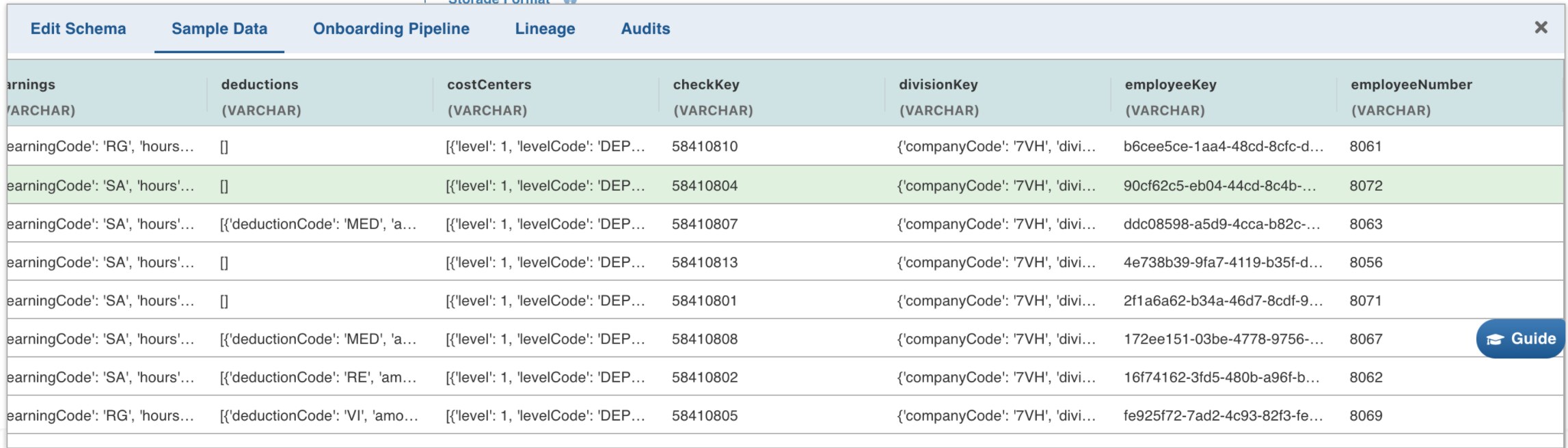
d) Go back to the table and click on Sample Data. You should be able to see the sample data as shown below.
Applicable IWX Versions:
v4.x,v5.x