
The Pipeline Audits option displays a list of version activities performed on the pipeline like creating version, removing version and making version active. It contains the information about the version action, user, and timestamp.
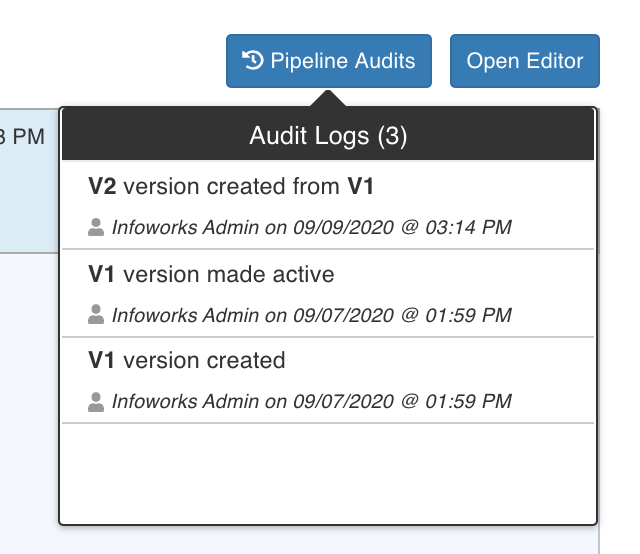
Viewing Version Audits
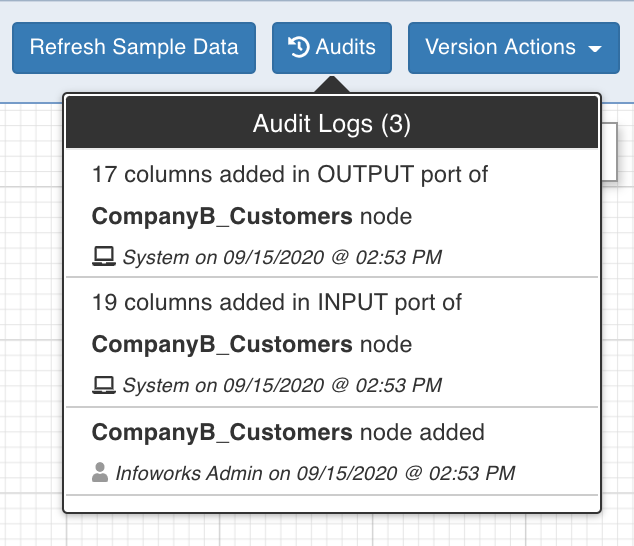
Clicking the Audits button in the pipeline editor displays an audit log of activities like adding/removing/renaming nodes, adding/removing/renaming columns, editing properties, etc. It contains information about the action, user, and timestamp.
Was this page helpful?