
Following are the steps to set advanced configurations for pipeline:
Step 1: Navigate to the Pipeline Group configuration.
Step 2: Under the Advanced Settings tab, click Add Configuration.
Step 3: Enter the Key and Value.
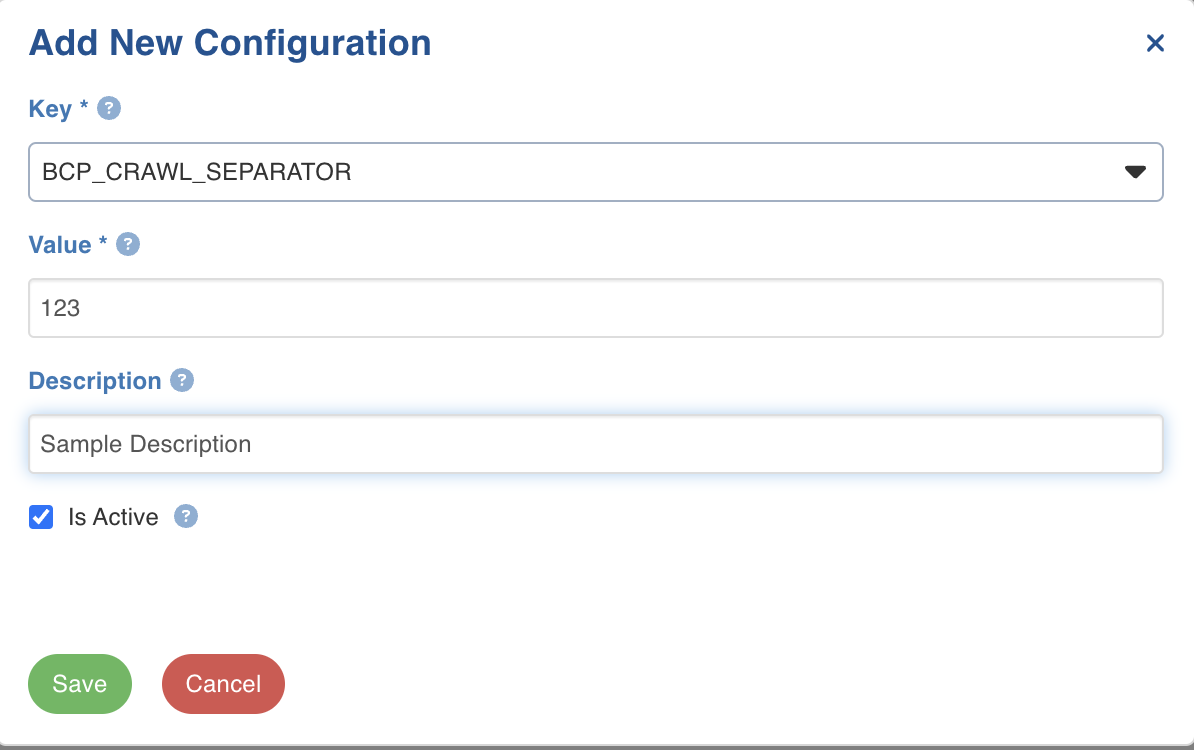
Configuration to Disable Pipeline Validation on Submit
When pipeline group build is triggered, all the pipelines in the group are validated for the pipeline target node. To disable validation, set the value of validate_pipelines_on_job_submit to false.
Was this page helpful?