
Following are the steps to design a pipeline:
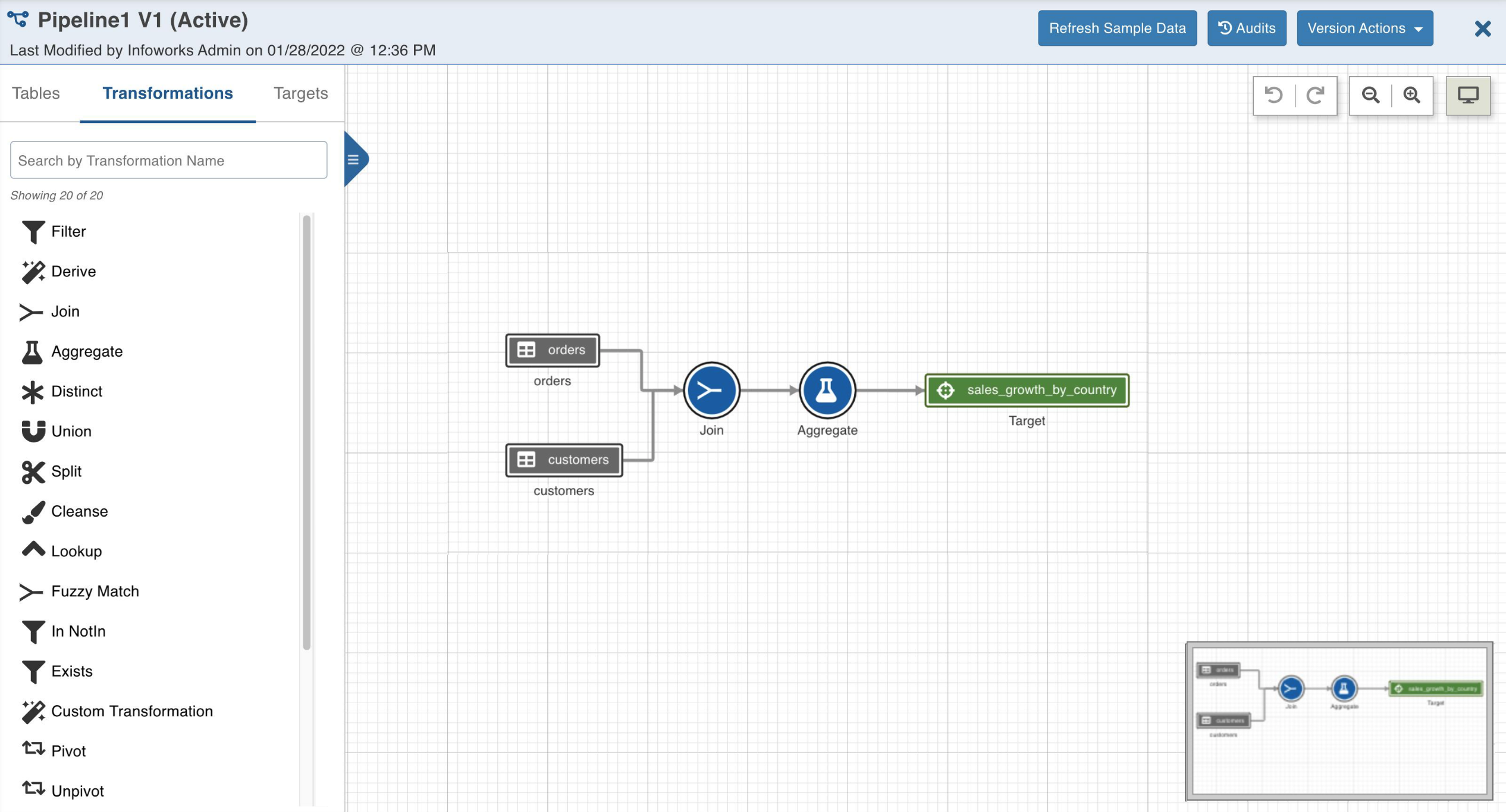
In the Pipelines page, click the pipeline. The Overview page is displayed with the pipeline version details and a blank design space.
Select the required visual pipeline version and click Open Editor or click on the blank design space to open the editor page.
Drag and drop the Sources and Transformations from the Datalake Tables and Transformations tabs respectively, to the pipeline editor and connect them to design a pipeline.
For details on the node functionalities, see the following:
For details on each node settings, see Node Settings.
Was this page helpful?