
Setting Pipeline Notifications
Copy Markdown
Open in ChatGPT
Open in Claude
To set the Pipeline Notifications:
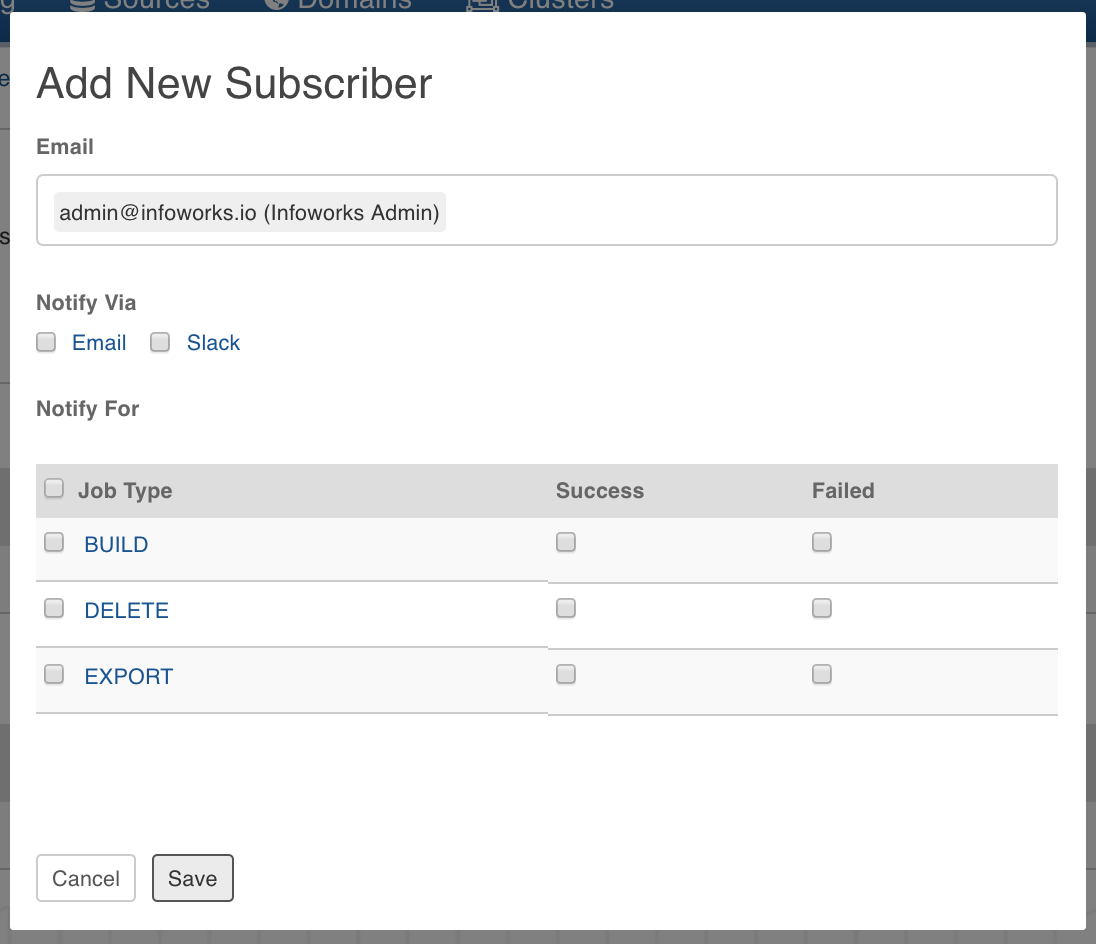
In the Pipeline Settings page, click Add New Subscriber button.

2. Enter the email ID of the subscriber.
Select the Notify Via options which include email and slack.
Select the jobs for which the subscriber must be notified. The jobs include build, deletion and export of pipeline.
Click Save. The subscriber will be notified for the selected jobs.
Last updated on
Was this page helpful?
Next to read:
Importing SQLFor more details, refer to our Knowledge Base and Best Practices!
For help, contact our support team!
© UNIPHORE TECHNOLOGIES 2025 | Confidential
Introduction
Creating a Pipeline
Building A Pipeline
CREATING A PIPELINE GROUP
BUILDING A PIPELINE GROUP
PIPELINE GROUP SETTINGS
Functions Library
EXTERNAL LIBRARY