
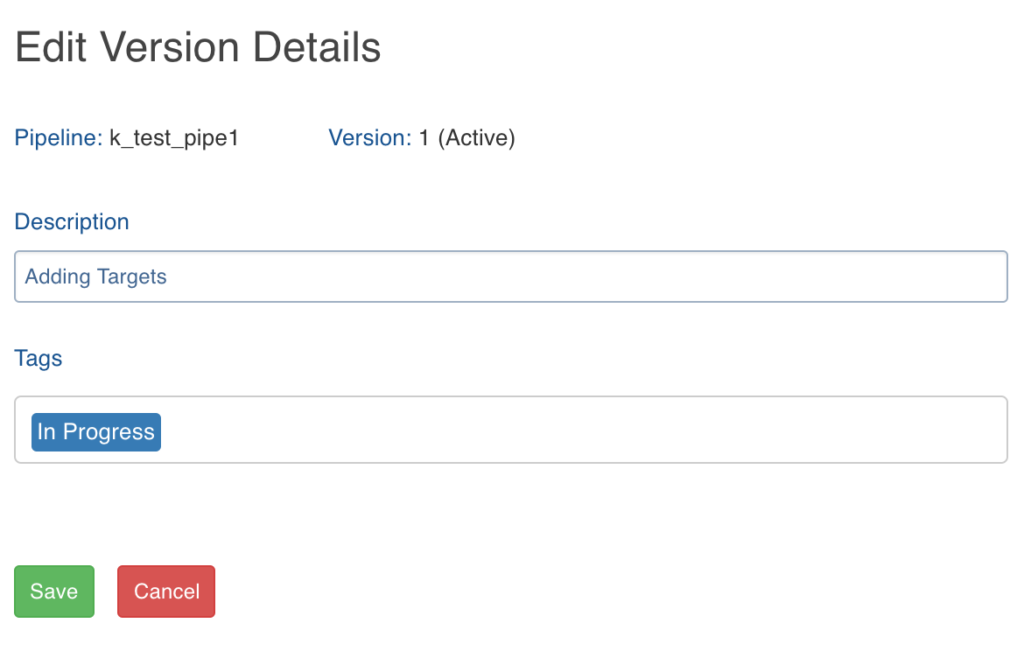
Following are the steps to edit pipeline version details:
Navigate to the Version Actions > Edit Version Details option in the pipeline editor.
Edit the Description and Tags.
Click Save.
Refreshing Sample Data
Clicking the Refresh Sample Data button in the pipeline editor (after creating the pipeline) refreshes the source sample data to ensure the most recent data is available for the data transformation.
Was this page helpful?