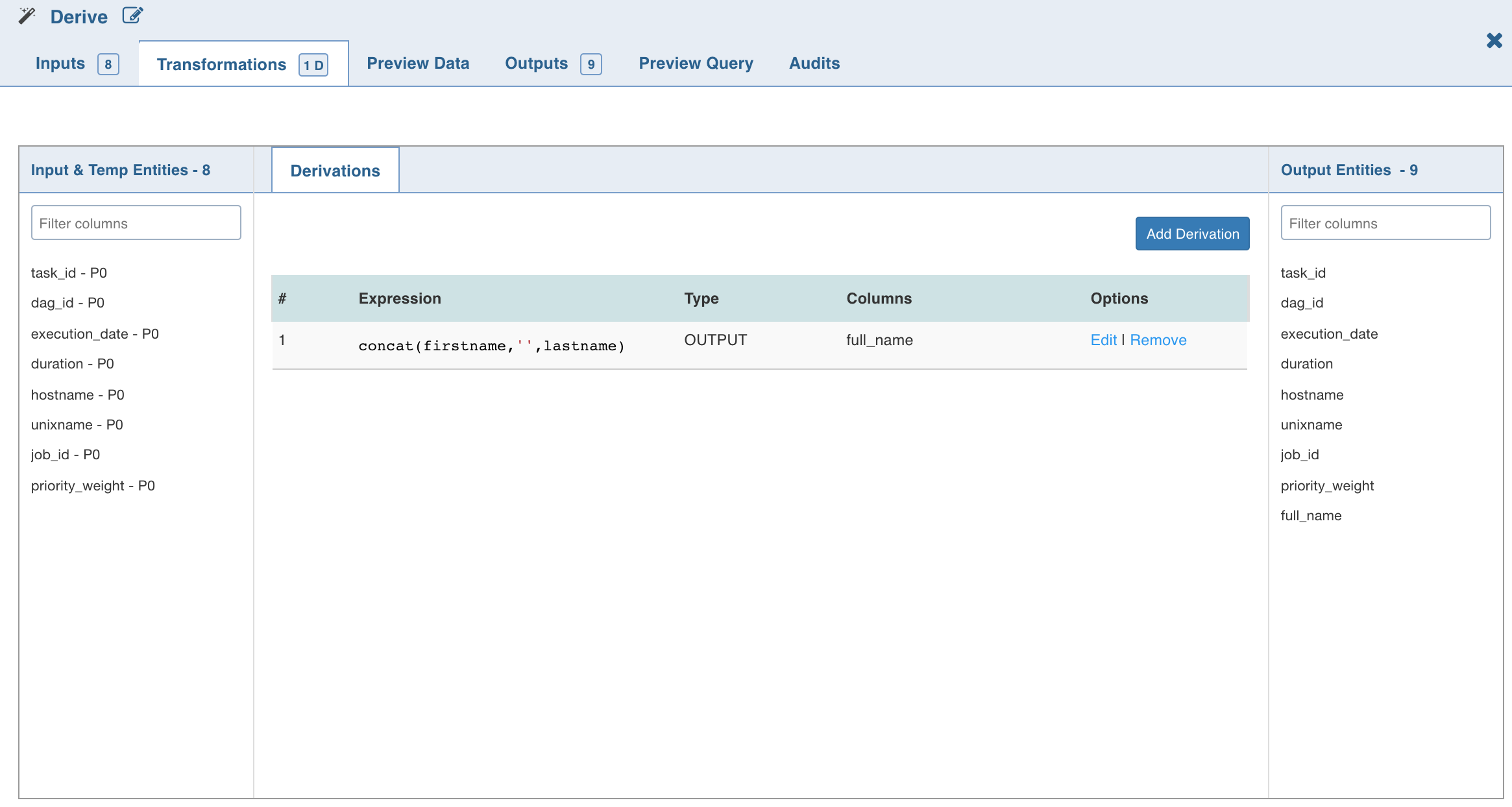
The Derive node allows you to derive one or more columns from the node joined to this node in the pipeline.
Following are the steps to apply the Derive node in a pipeline:
Drag and drop the Derive node from the Transformations section to the pipeline editor page.
Connect the source node to the Derive node.
Double-click the Derive node. The properties page is displayed.
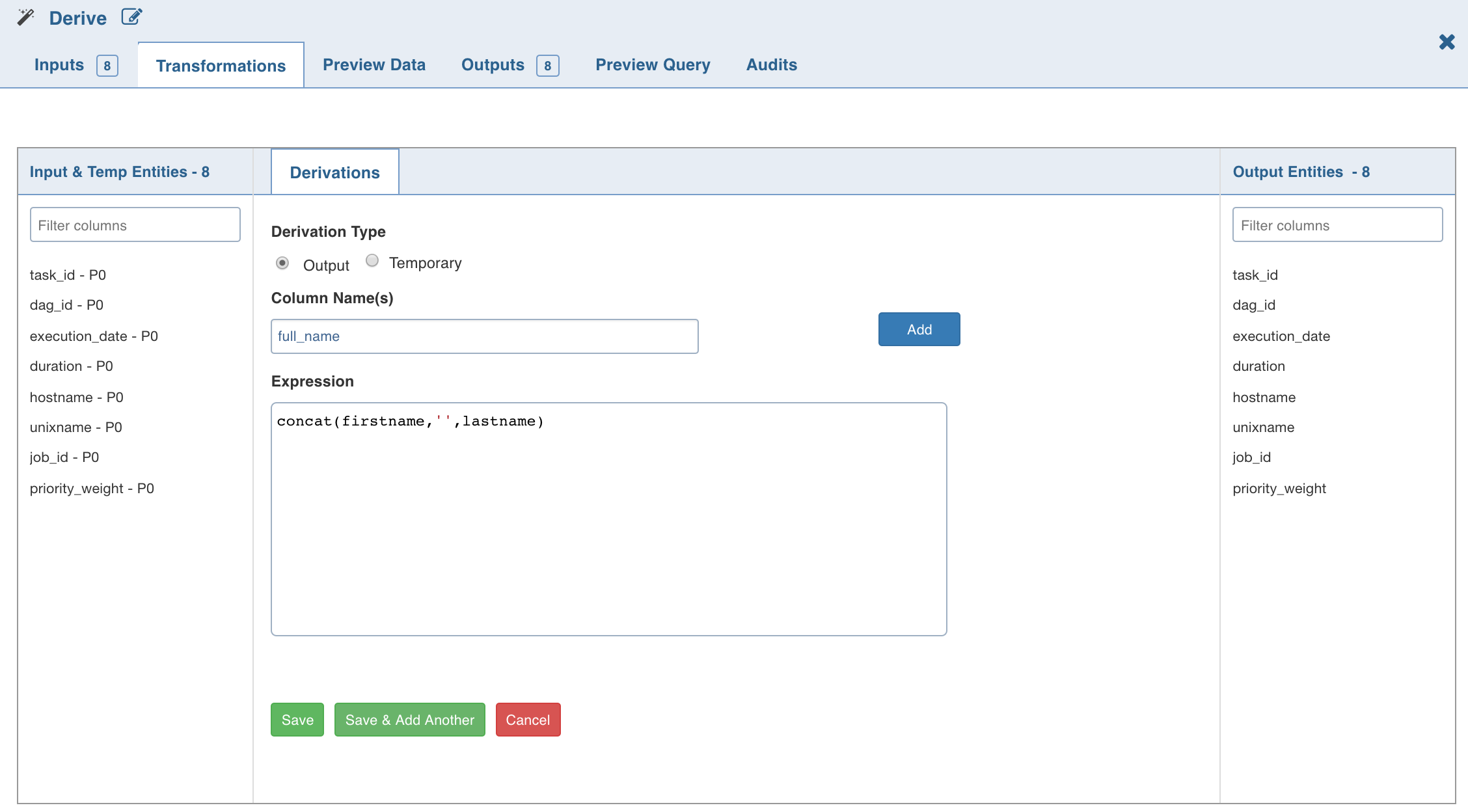
Click Add Derivation, enter the following details and click Save:
Field | Description |
|---|---|
Derivation Type | The derivation type can be Output or Temporary. Temporary does not reflect the transformations in the output columns, while Output reflects the transformations in the output columns. |
Column Name | The name for the derived column. NOTE Infoworks does not support column names with special characters (other than underscore). |
Expression | The expression can include any of the operators, non-aggregation functions and advanced analytics functions supported by Data Transformation. The expression gets validated for syntax and semantic errors, and any error message is displayed on the top of the page. |
The Derive properties page with the derived column and expression added is as follows: