To set up a source, perform the following steps:
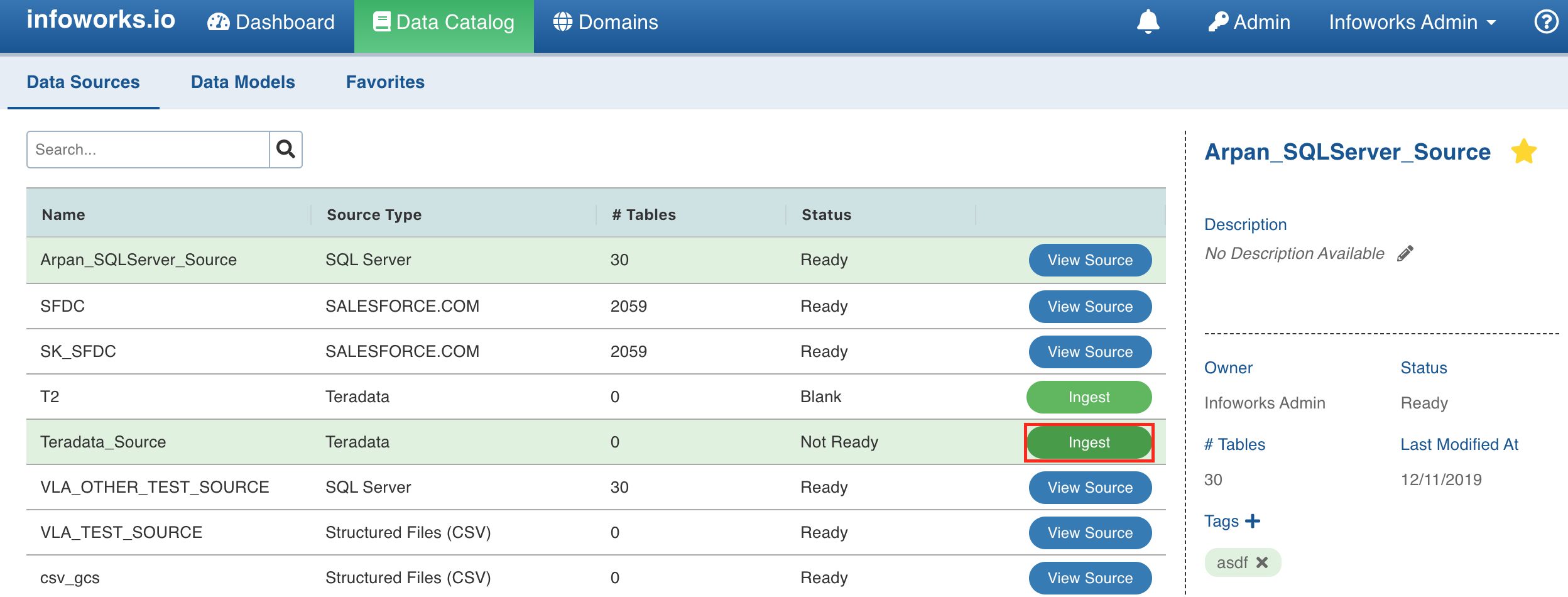
Click the Data Catalog menu and click the Ingest button for the source you created.
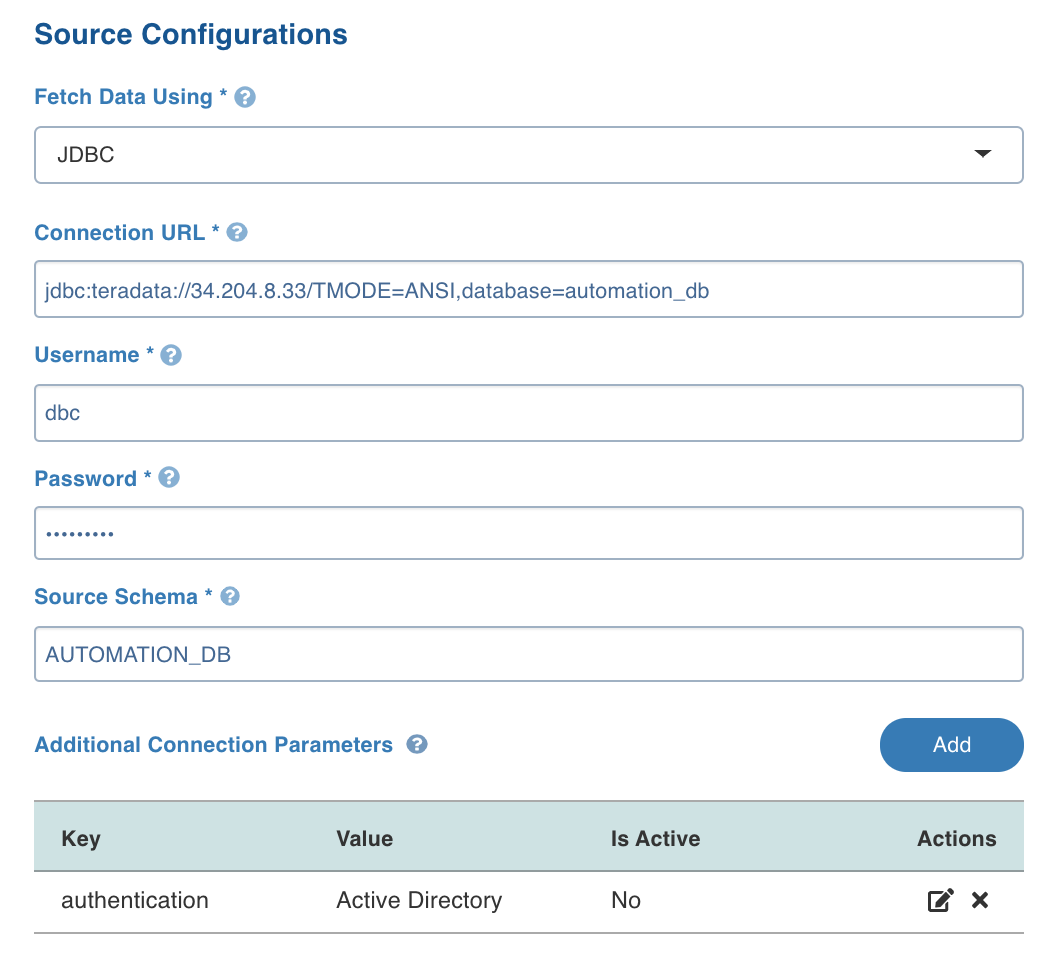
In the Setup Source page, enter the source configuration details. See specific ingestion sections for their respective settings.
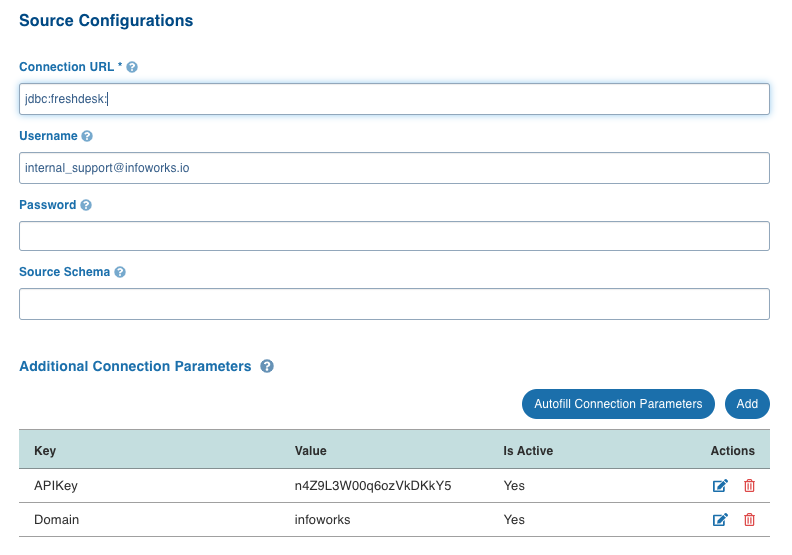
NOTE For additional drivers, enter a : (colon) at the end of the Connection URL if the parameters are provided using the Additional Connection Parameters option. For example, jdbc:freshdesk:
Click Save and Test Connection button. The test connection job will be run. The test connection status and summary will be displayed at the right side of the page. You can also View and Download the logs.
Click Save and Crawl Metadata. The status will be displayed at the right side of the page.
Additional Connection Parameters
You can set additional connection parameters to the source as key-value pairs. These values will be used when connecting to the source database.
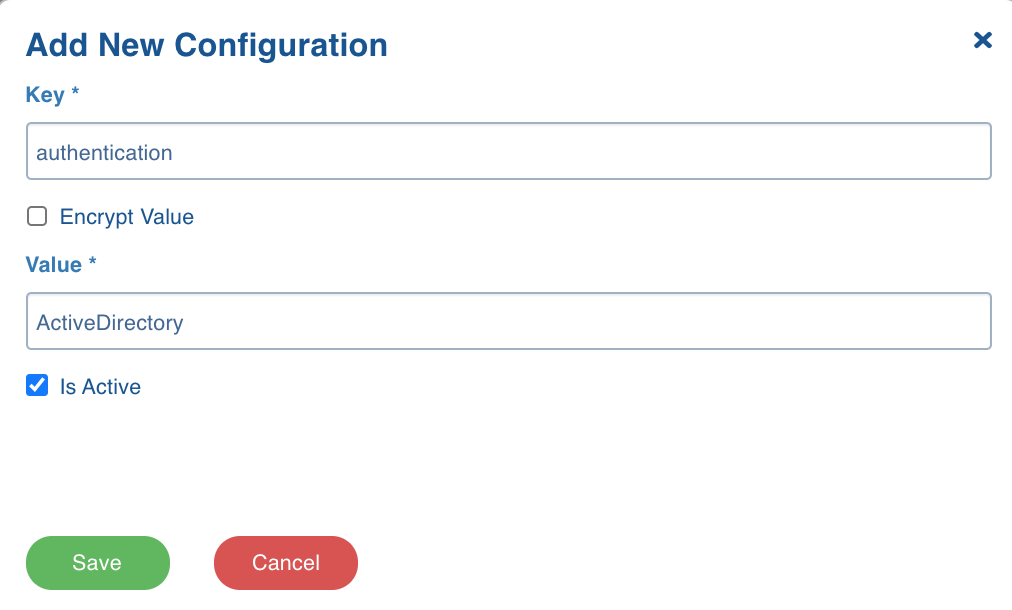
NOTE This option is not available for file ingestion.
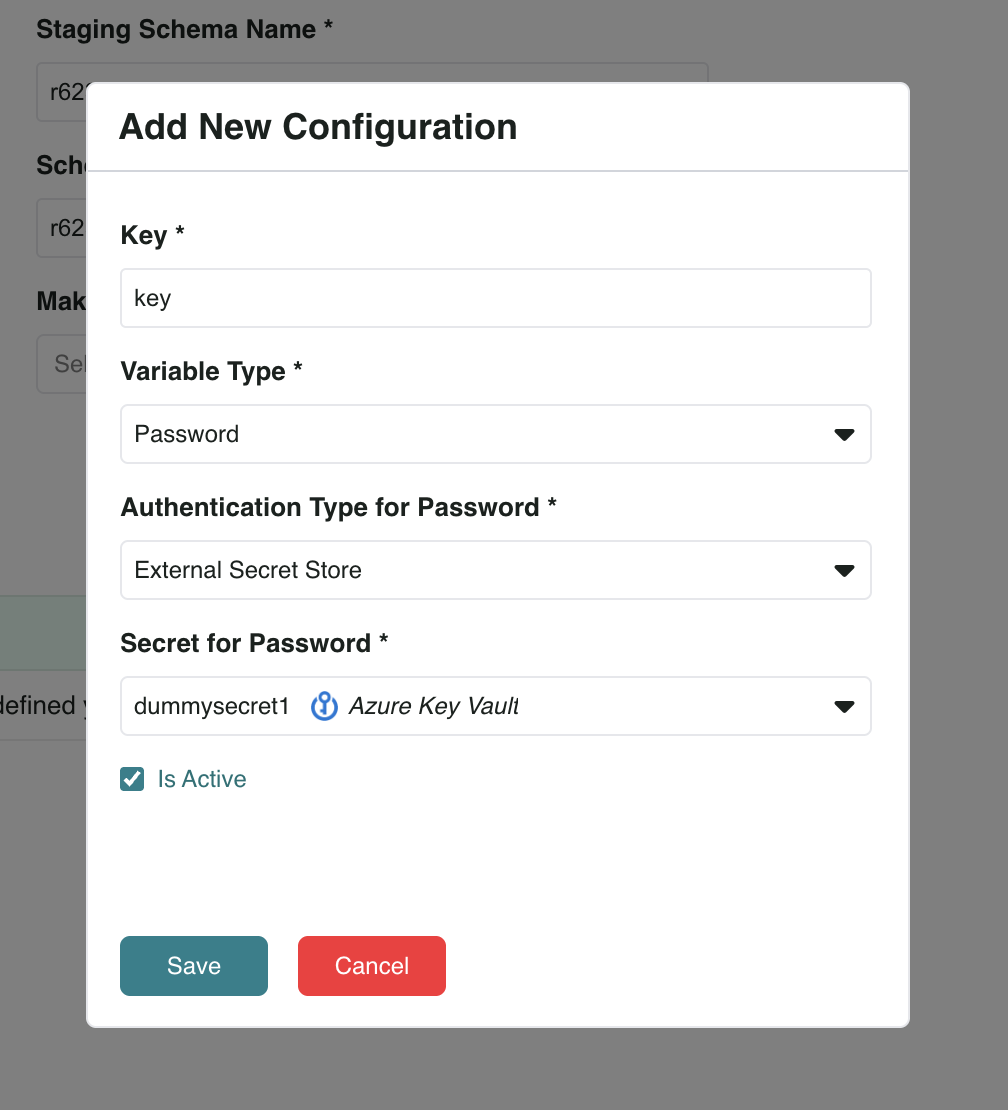
Variable Type
Added support for secure storage of sensitive values in Additional Connection Parameters. A new Variable Type field allows users to designate parameters as Plain or Password. Parameters marked as Password can be stored and retrieved using a supported secret store or Infoworks-managed passwords.