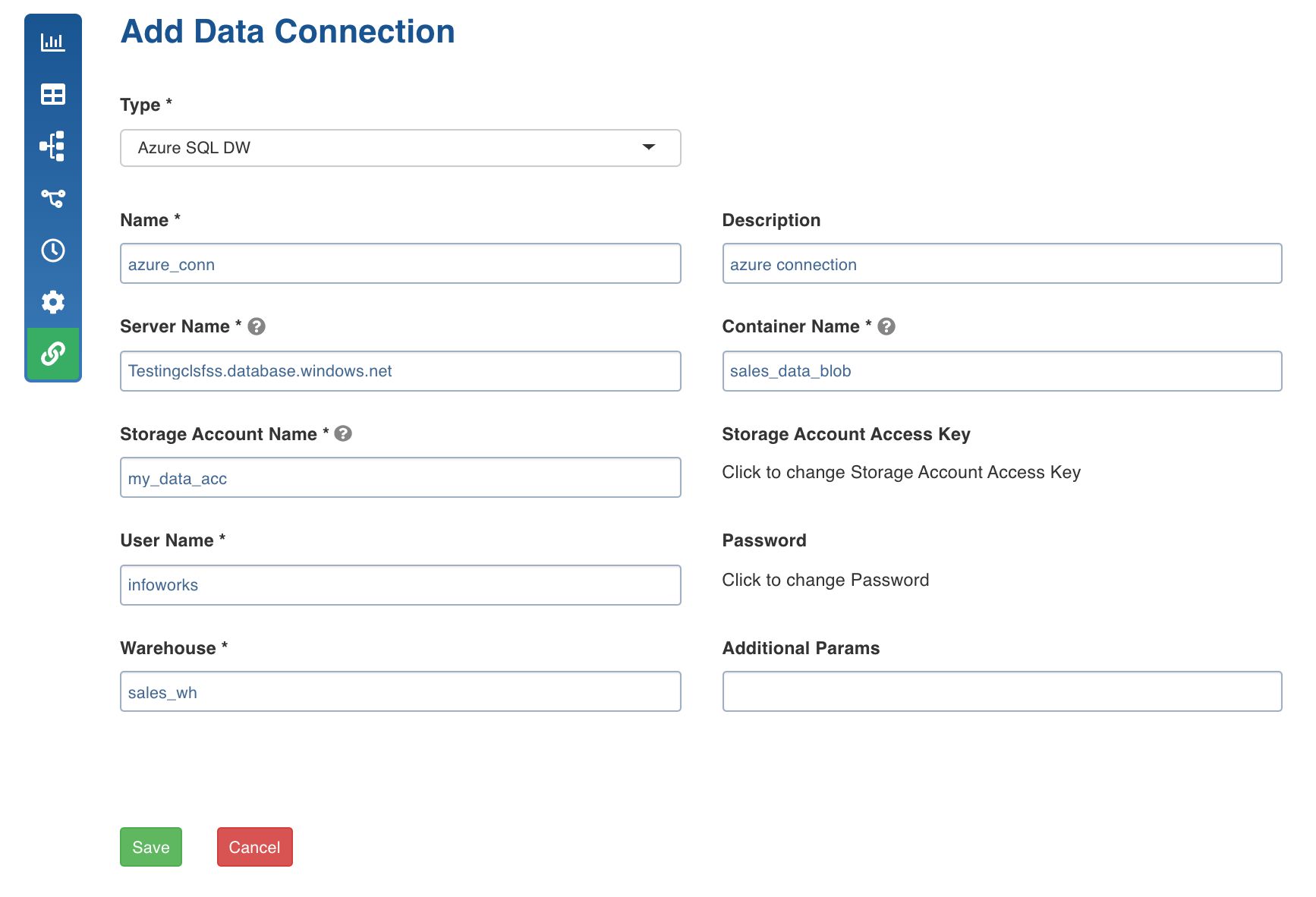
Following are the Azure Synapse Analytics connection details:
Field | Description |
|---|---|
Connection Type | Type of connection. Select Azure Synapse Analytics. |
Name | Name for the target data connection. For example, azure_con. NOTE: The connection name must be unique across the specific domain. |
Description | Description for the target data connection. |
Server Name | Specify a fully qualified server Name. For example, Testingclsfss.database.windows.net |
Blob container Name | Name of the blob container for storing temporarily store data .For example, sales_data_blob. |
Storage Account Name | Name of the Azure Storage Account. |
Storage Account Access key | Access key for storage account. |
User Name | Username of the Azure Synapse Analytics account. |
Password | Password of the Azure Synapse Analytics account. |
Warehouse | Azure Synapse Analytics warehouse name. |
Additional Params | Optional JDBC parameters. |