This section allows searching for all Infoworks jobs that have been executed so far. The following are the sections covered:
Searching Jobs
The default history view displays all the jobs for the last one day.
Click the Admin menu and click the Job Search icon.
In the Search Jobs page, enter the following details:
From: Filter the history view for all jobs executed on or from this timestamp
To: Filter the history view for all jobs executed on or before this timestamp.
Status: Filter the history view based on the status of the job. The user can select one or more statuses from the following: Pending, Running, Failed, Canceled, Blocked, Aborted, Completed.
Job Ids : Filter the history view with comma separated job IDs.
Entity: Filter the history view based on the entity type.
Job type: Filter the history view based on type of job.
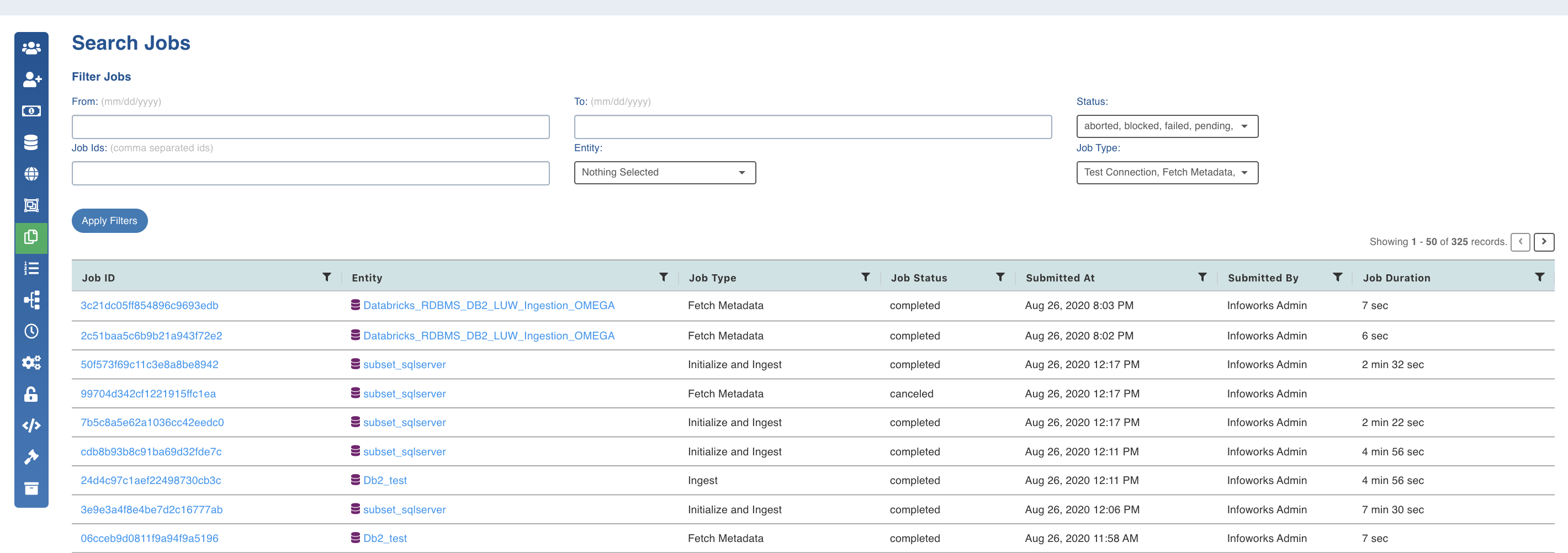
The history view table displays the following information about a job:
Job ID: Identifier for a job
Entity: Entity name associated with the job
Job Type: Type of job executed
Job Status: Status of the job execution
Submitted At: Timestamp of job submission
Started At: Timestamp of job execution
Queuing Jobs
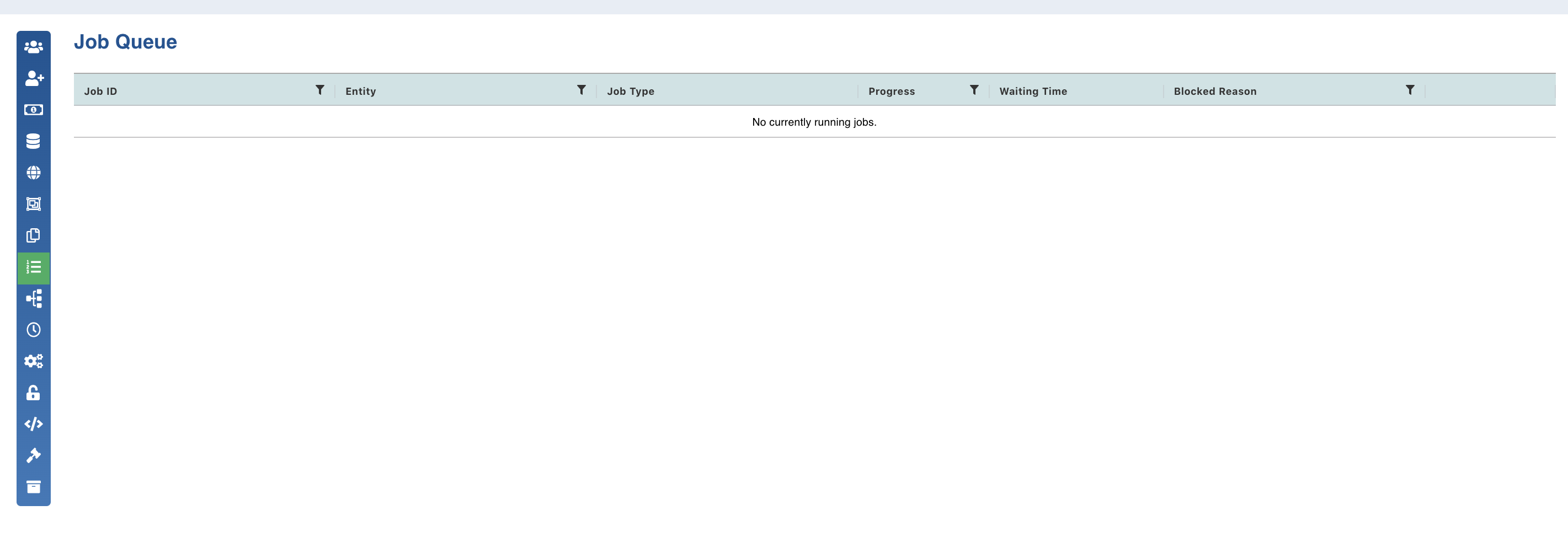
This section lists down all the Infoworks jobs that are present in the queue.
NOTE Completed, failed and aborted jobs will not appear in this list. Only jobs that are pending to be picked up by the executor, or is running, or is blocked will appear here.
Click the Admin menu and click the Job Queue icon.
Job Queue section displays the following details of a job:
Job: Type of the job along with the entity with which it is associated.
Progress: Progress of completion for all running jobs.
In Queue: Shows the total time for which a job had to wait in the queue before getting picked up by the executor.
Blocked Reason: Displays the reason for which a job is blocked.
View Logs: Shows the log for a job
Cancel Job: Clicking this cancels the job and removes it from the queue.
NOTE Timeout can be set for Cancel Job using hangman_soft_kill_timeout = <value>. The cancel job operation gets aborted if it takes more than the timeout time. The default value for timeout is 150 seconds.