
Perform the following steps, after launching the Infoworks instance. The following page appears after launching the Infoworks instance.
NOTE It takes upto one to two minutes to display this page and for the services on the edge node to appear. It is recommended to click retry in case of a bad gateway error.
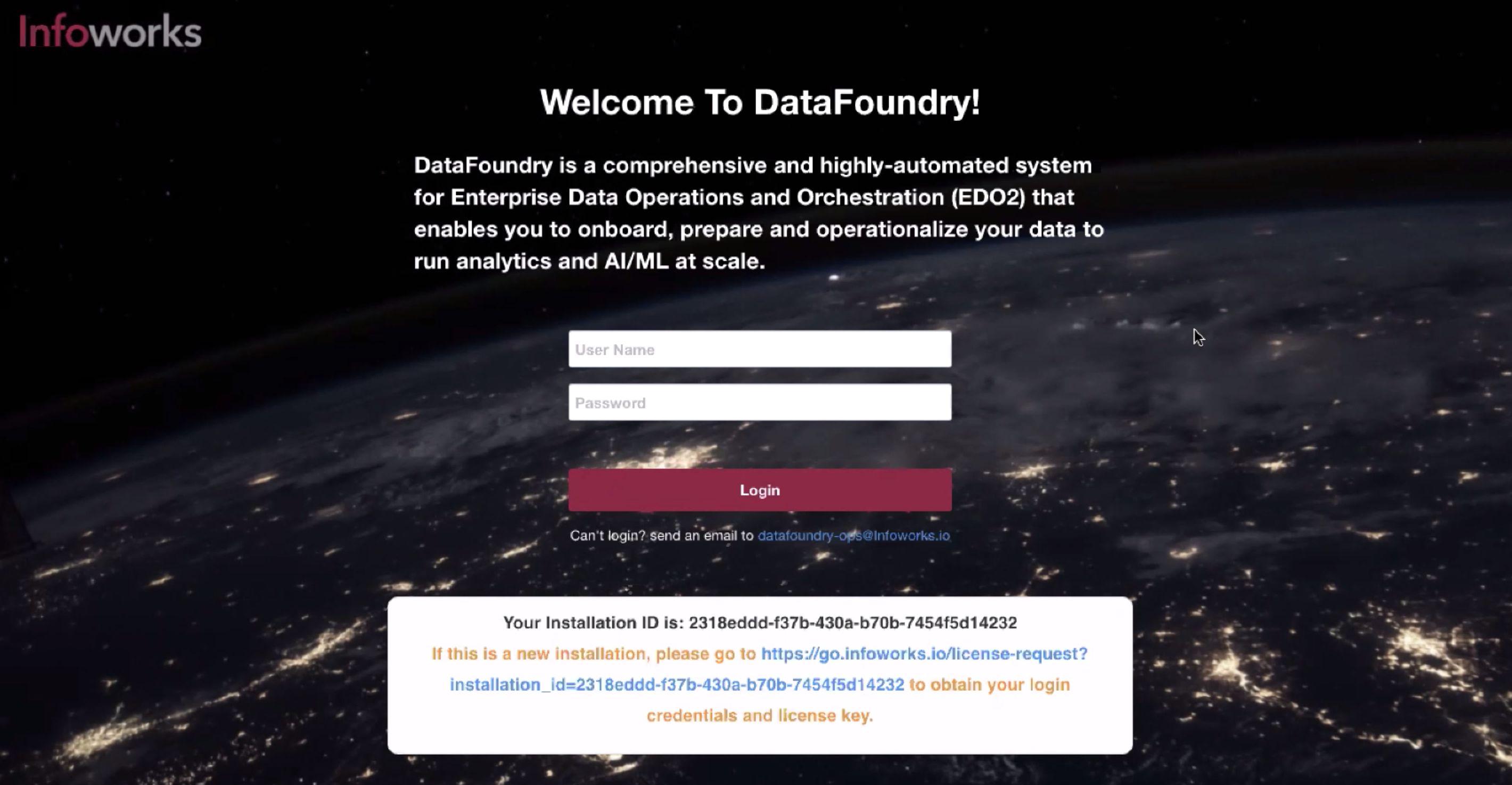
To get started with Infoworks on theAzure Marketplace platform, you will need a license key. If you do not have the license key, or if this is a new installation, click the URL highlighted in blue. The following page is displayed.
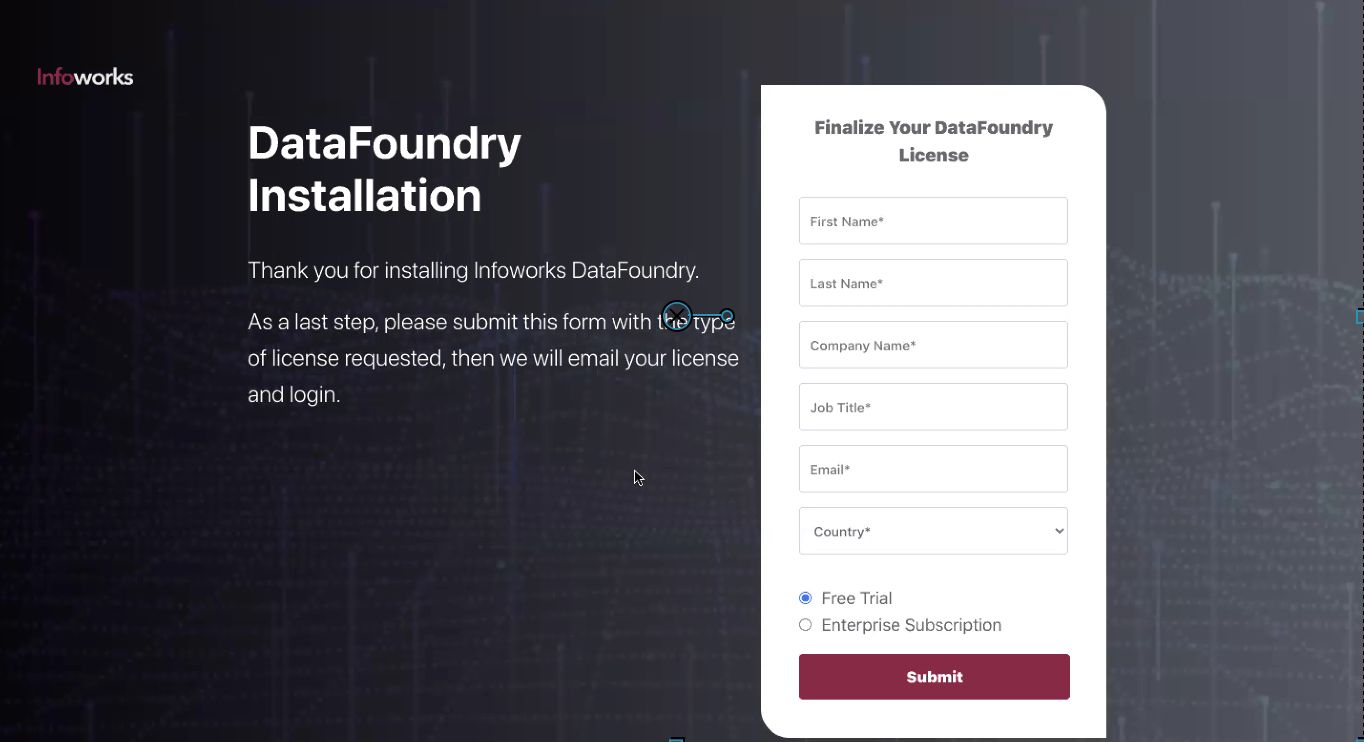
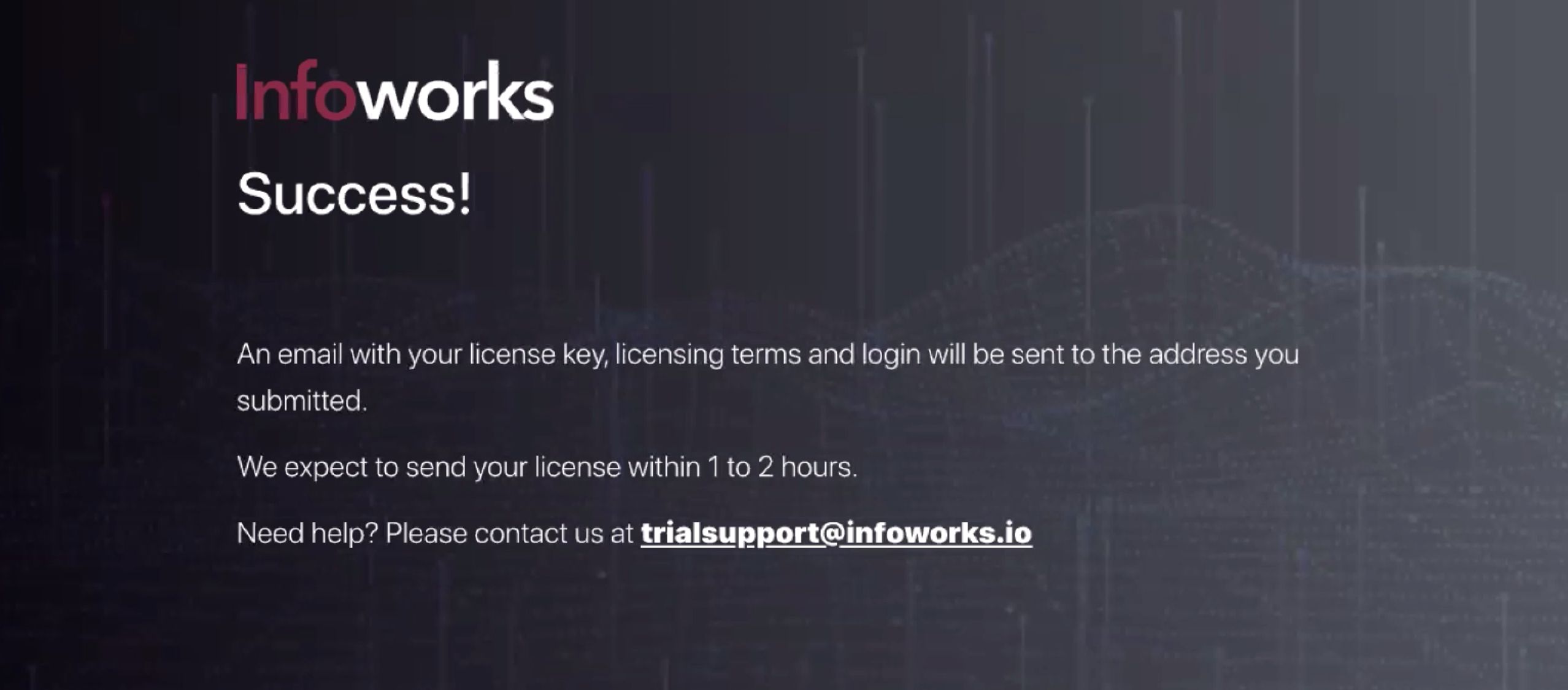
Enter your details, choose your type of subscription, and then click Submit. The following page is displayed, and the license key will be sent to you in your registered email ID.
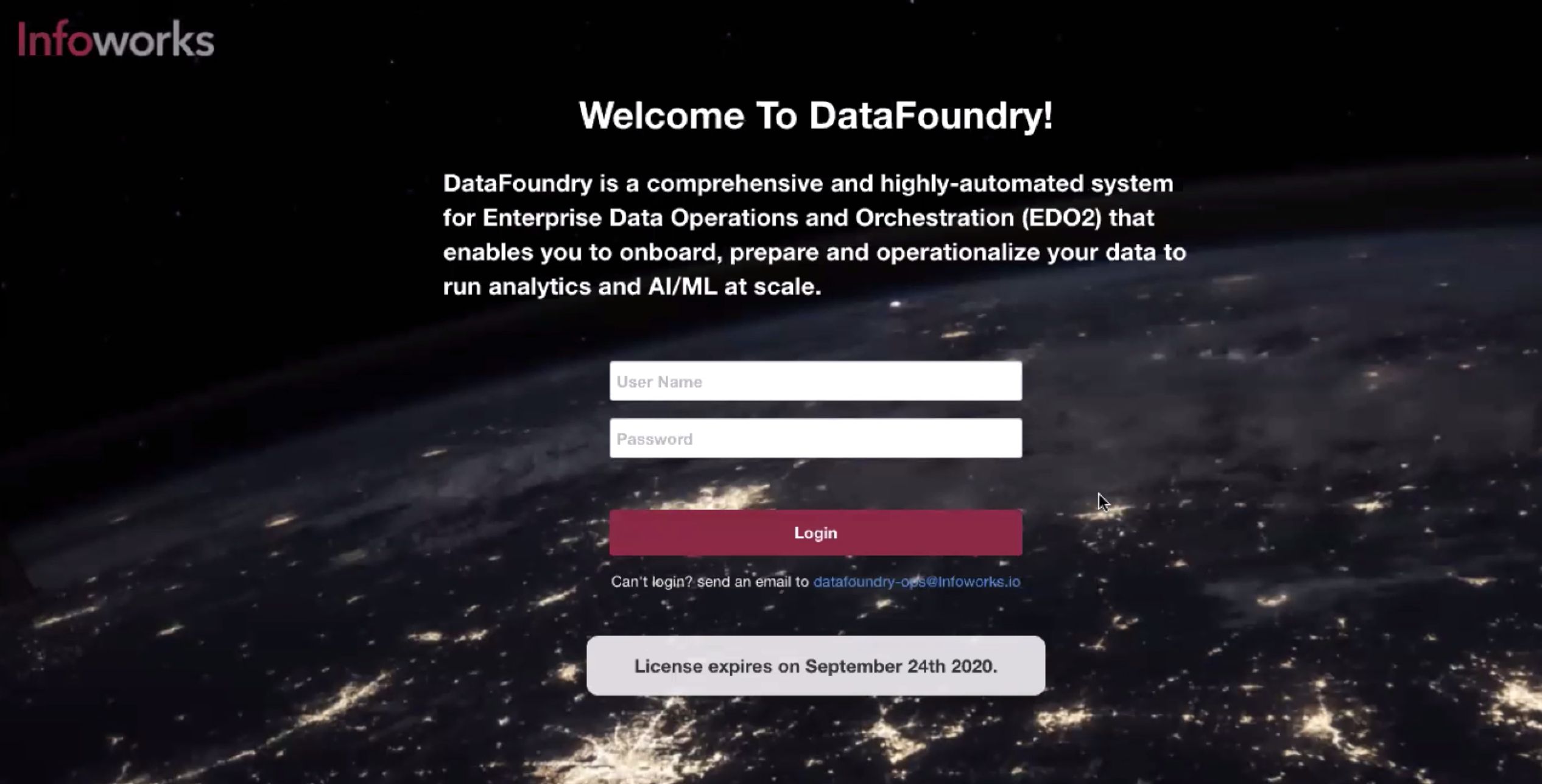
Go back to the login page, and enter your credentials to login to Infoworks. Enter the default email ID is admin@infoworks.io and password is admin.
NOTE: From every second login, the login page displays the status of the expiry date of your subscription. On subscription expiry, the user will be logged out of Infoworks.
After logging in, the user is redirected to reset the password. Now, enter the required password, re-enter it and then click Continue. This resets the password.
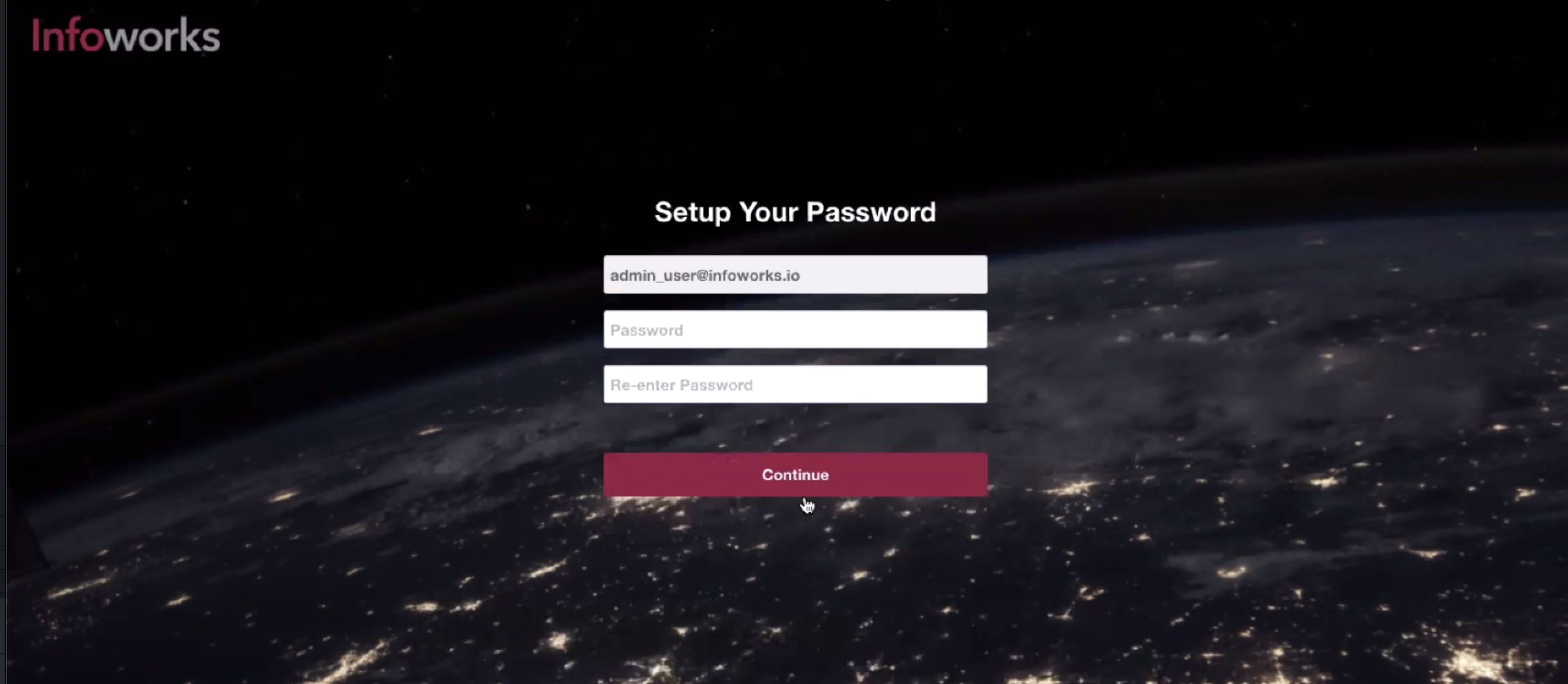
On clicking Continue, the following page is displayed.
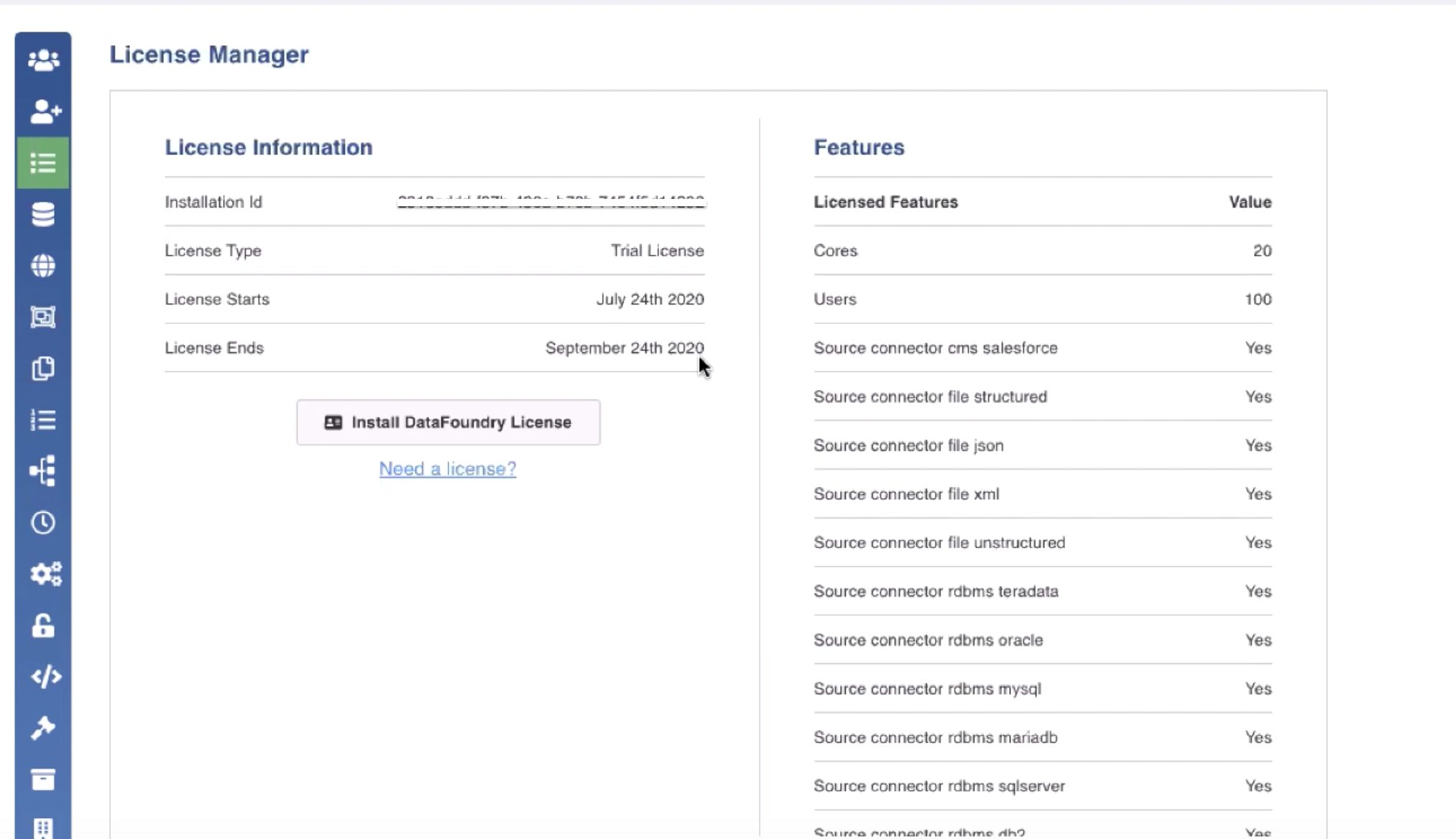
Click Install License button to enter your license key, received in your registered email ID.
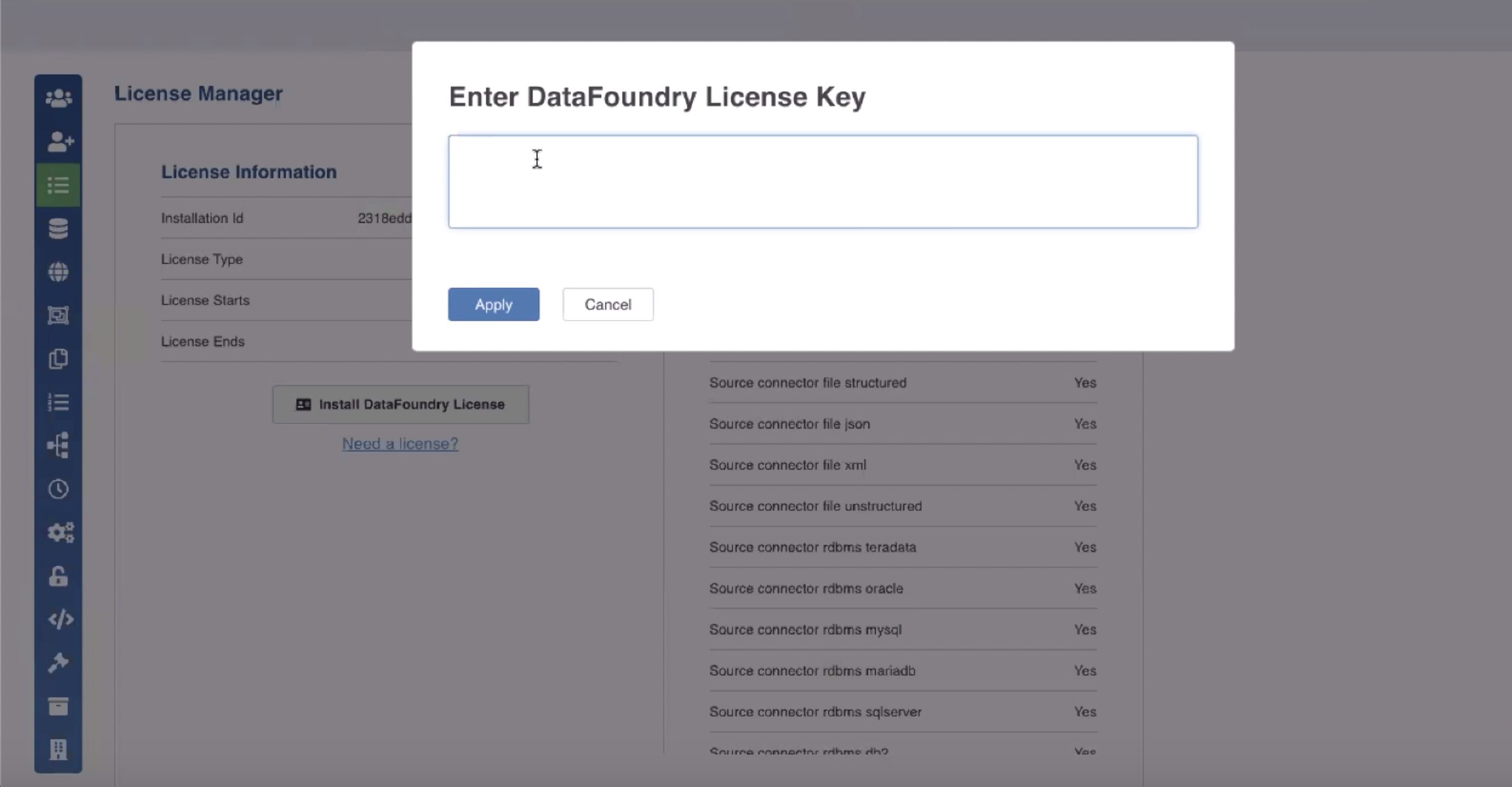
Enter your license key and click Apply. To upgrade your license, you can click Need a license link, and initiate an email stating the request.
For instructions on license, see the License Management document.
You can now start using Infoworks. For a quick demo, see Navigating Infoworks.