
You can archive the ingested structured files in the source location. This allows you to keep secure backups of the data, without adding load on production data buckets.
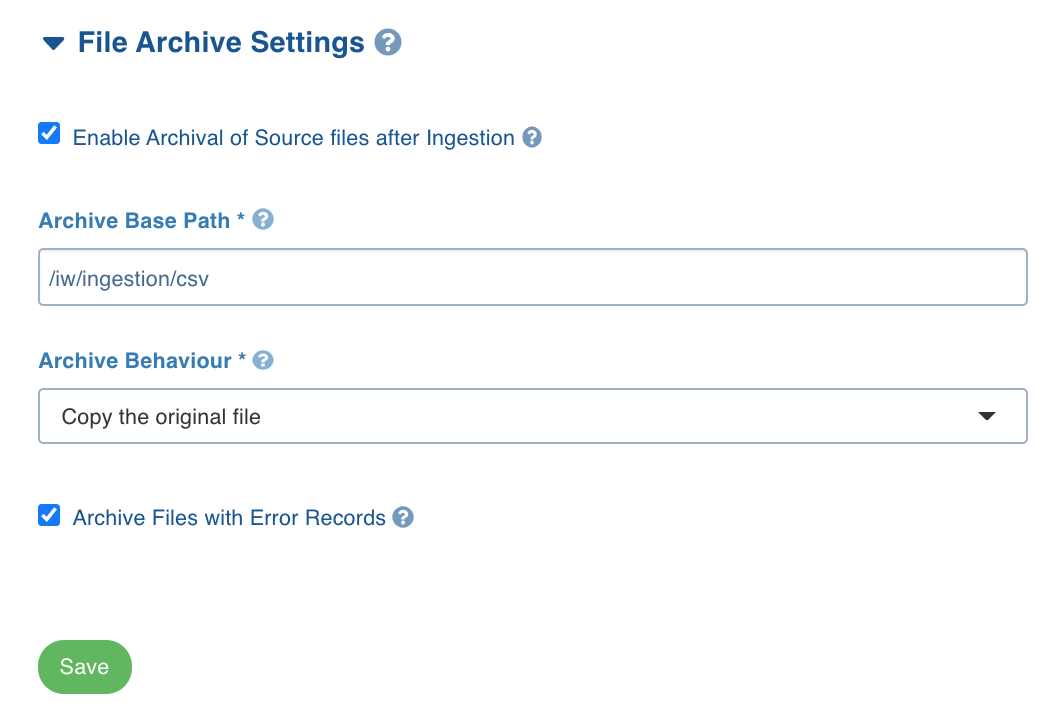
The following are the settings to archive the ingested data to the data lake:
Navigate to the required structured file source.
In the Source Setup page, click the File Archive Settings option.
Enable the Enable Archival of Source files after Ingestion checkbox to archive the source files after ingestion.
Enter the following details:
Field | Description |
|---|---|
Archive Base Path | The path where the files will be archived after ingestion. This path must be of the same storage as the source files. Enter the relative path for the cloud file location and the absolute path for the DBFS location. |
Archive Behaviour | The option to copy or move the original CSV file. NOTE Ensure that the appropriate archive behaviour is selected when moving a single file mapped to multiple tables. |
Archive Files with Error Records | Enable this checkbox to archive the files that include error records. |
NOTE Files are archived from source after CDC and before the merge job.