
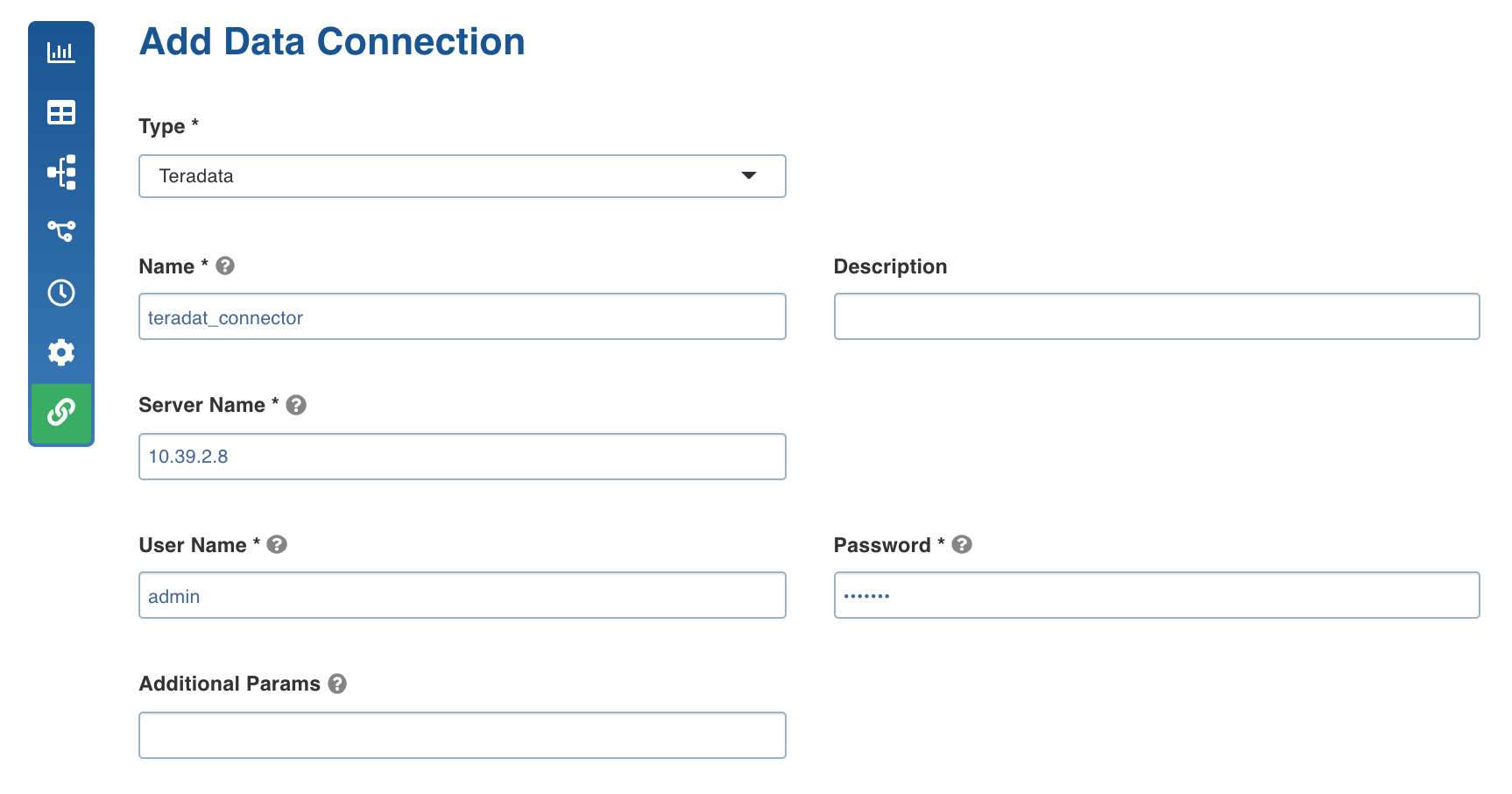
Following are the Teradata connection details:
Field | Description |
|---|---|
Type | The type of target data connection. Select Teradata. |
Name | The name for the Teradata data connection. The connection name must be unique across the specific domain. |
Description | The description of the Teradata data connection. |
Server Name | The IP address of the Teradata database. |
User Name | The username of the specific Teradata target account. |
Password | The password of the specific Teradata target account. |
Additional Params | The optional JDBC parameters. For example, ssl=true&TCPKeepAlive=false. |
Was this page helpful?