
Following are the steps to override pipeline parameters while building pipeline:
Navigate to the pipeline jobs page.
Select the version and click the Build Pipeline button and select Build Pipeline option from the dropdown to build the pipeline.
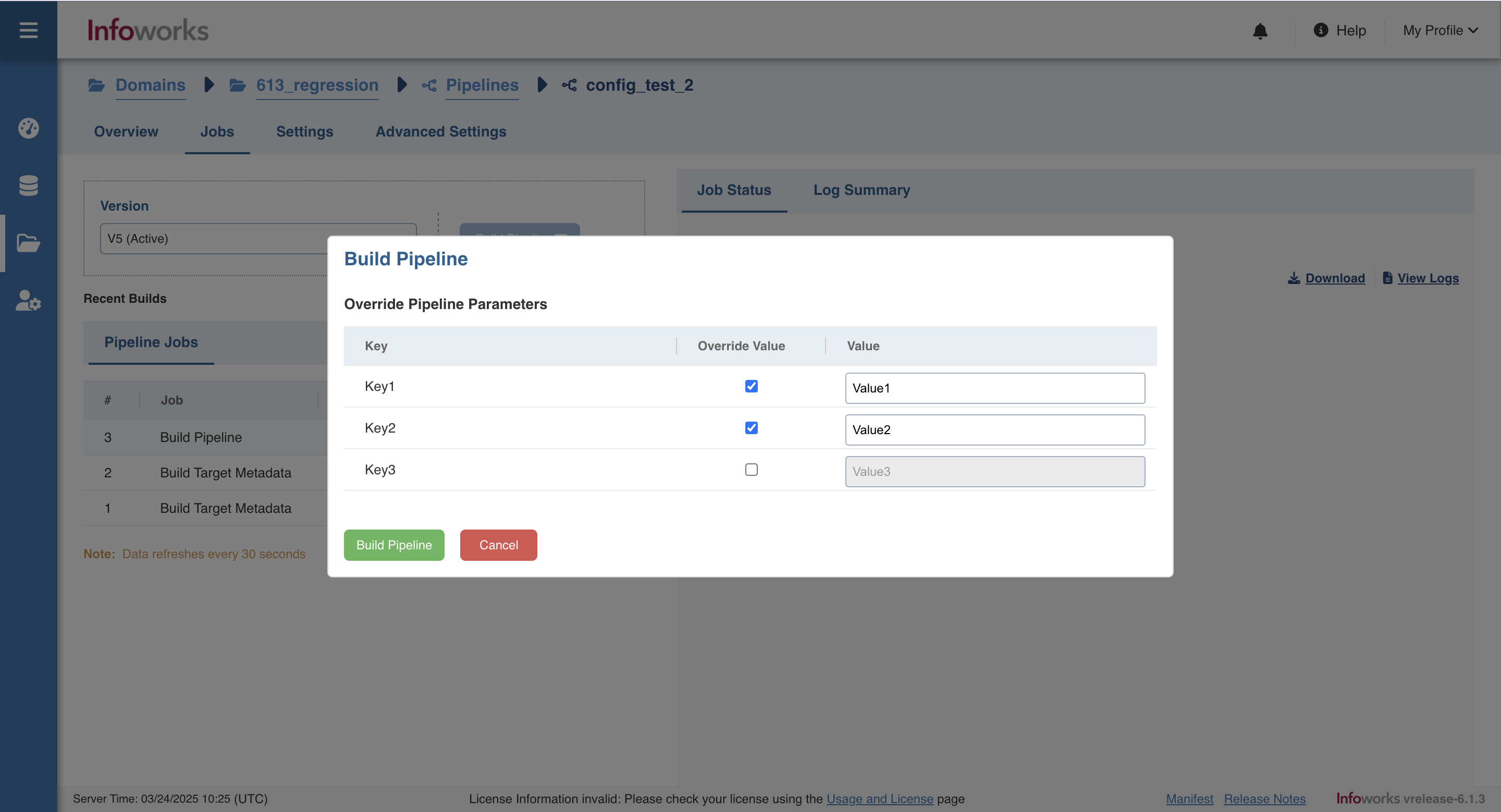
A modal to override parameters of the selected version will open.
Override the parameter value and click Build Pipeline.
Was this page helpful?