
You can edit the target datatype of columns using the following steps:
Click the Data Catalog menu and click View Source for the required source.
Click the Configure button for the required table.
Click the View Details button and edit the target data type for required columns. The Databricks metastore table will be created with the specified datatypes.
The Options field allows you to edit the precision and scale of the specific column.
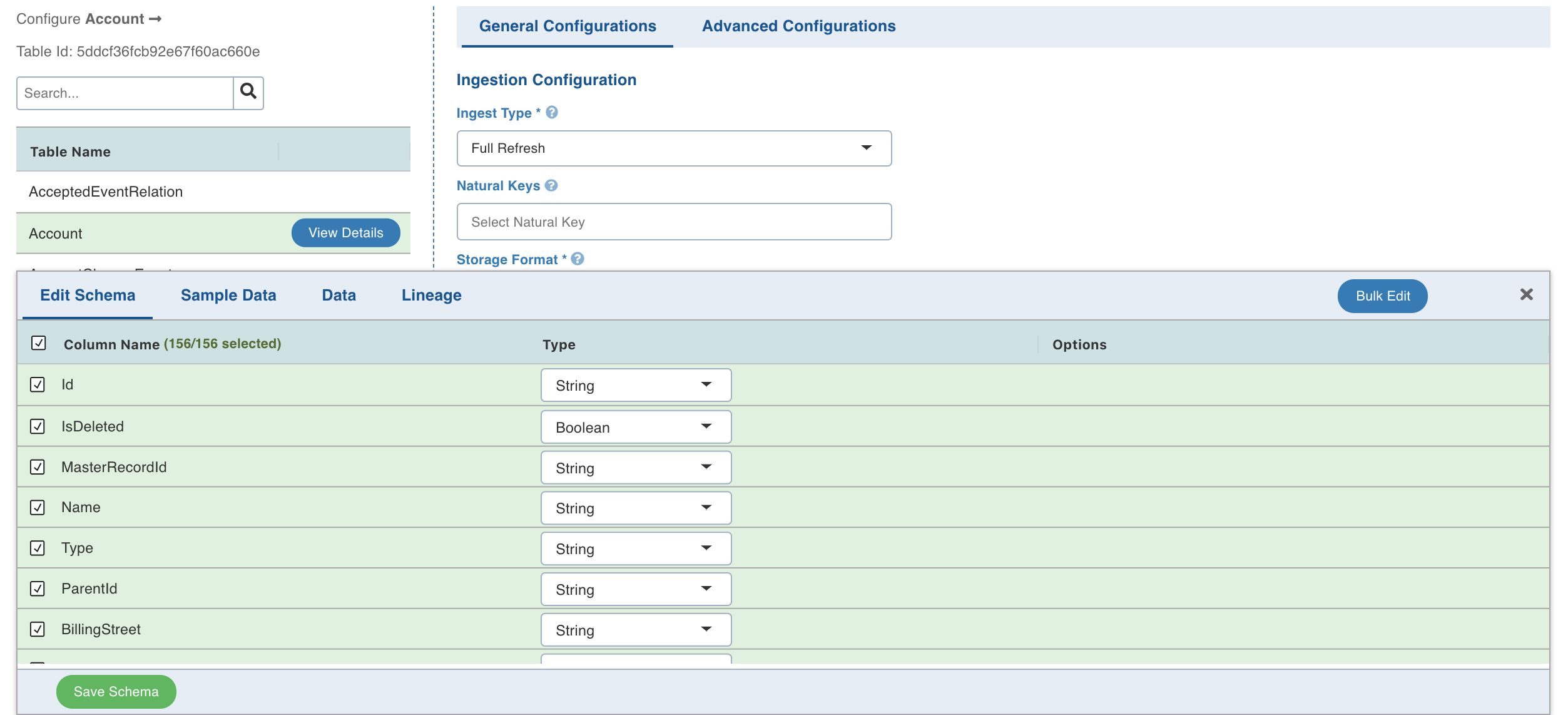
You can use the Bulk Edit option to edit the precision and scale of all the columns.
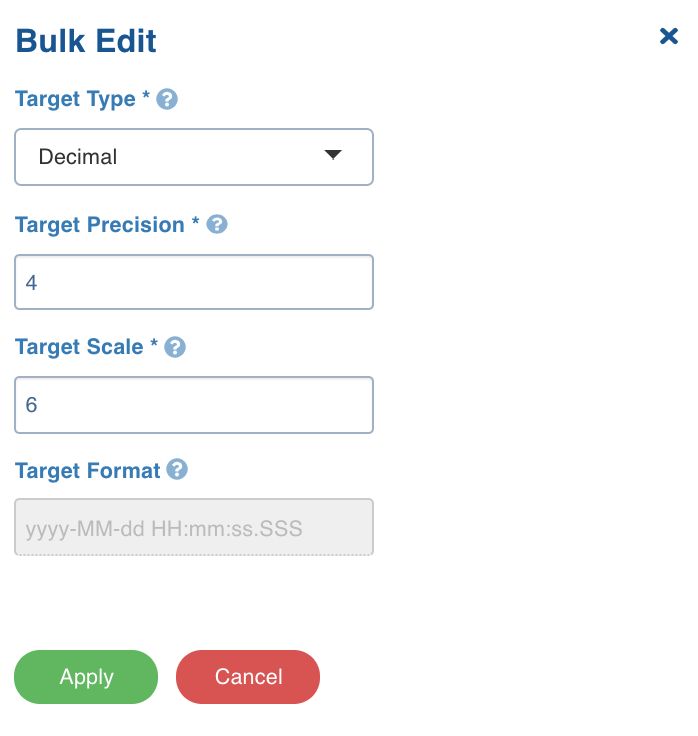
Click Save Schema.
Following are the datatype conversions supported:
Source Datatype | Target Datatype |
|---|---|
String | Boolean, Integer, Float, Double, Long, Decimal, Date, Timestamp.Following are date and timestamp formats supported:Date: yyyy-MM-ddTimestamp: yy-MM-dd hh:mm:ss |
Boolean | String |
Integer | Float, Double, Long, Decimal, String |
Float | Double, Long, Decimal, String |
Double | Float, Long, Decimal, String |
Long | Float, Double, Decimal, String |
Decimal | Integer, Float, Long, String |
Date | String |
Timestamp | String |
Byte | String |