
Title
Message
Create new category
What is the title of your new category?
Edit page index title
What is the title of the page index?
Edit category
What is the new title of your category?
Edit link
What is the new title and URL of your link?
Creating SQL Pipelines
Copy Markdown
Open in ChatGPT
Open in Claude
Prerequisites
Ensure that the SQL query is prepared beforehand.
Overview
Infoworks enables you to use SQL queries to build pipelines. This can be performed via SQL pipelines.
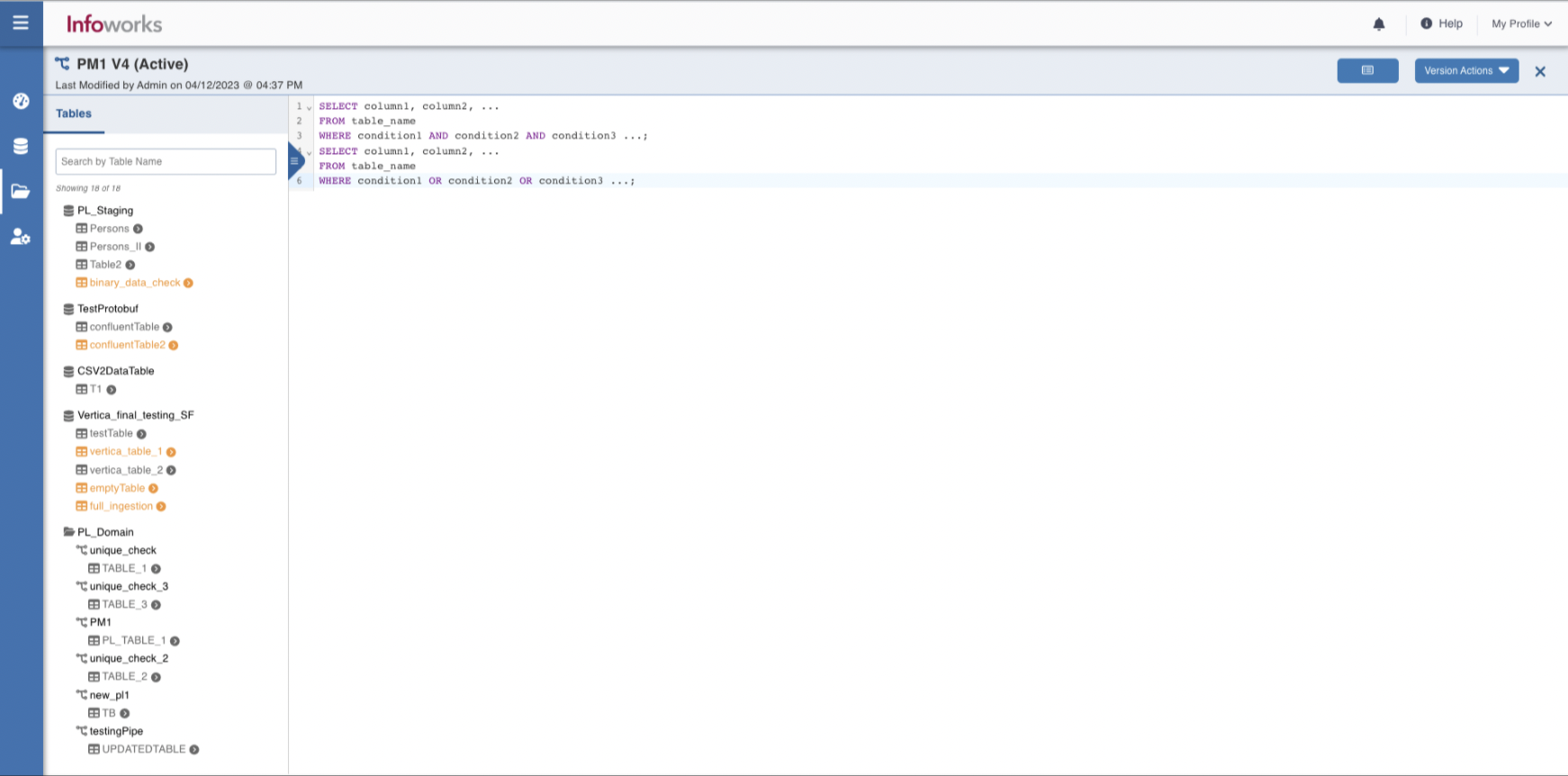
Infoworks provides an SQL editor to create an SQL pipeline, which is convenient for a user instead of preparing a visual pipeline. It allows you to enter the SQL query and build the pipeline for further use.
Providing SQL Query
To provide an SQL query:
Step 1: Navigate to Domains > Pipeline.
Step 2: Select the required pipeline.
Step 3: Click the SQL Pipeline and then click Open Editor.
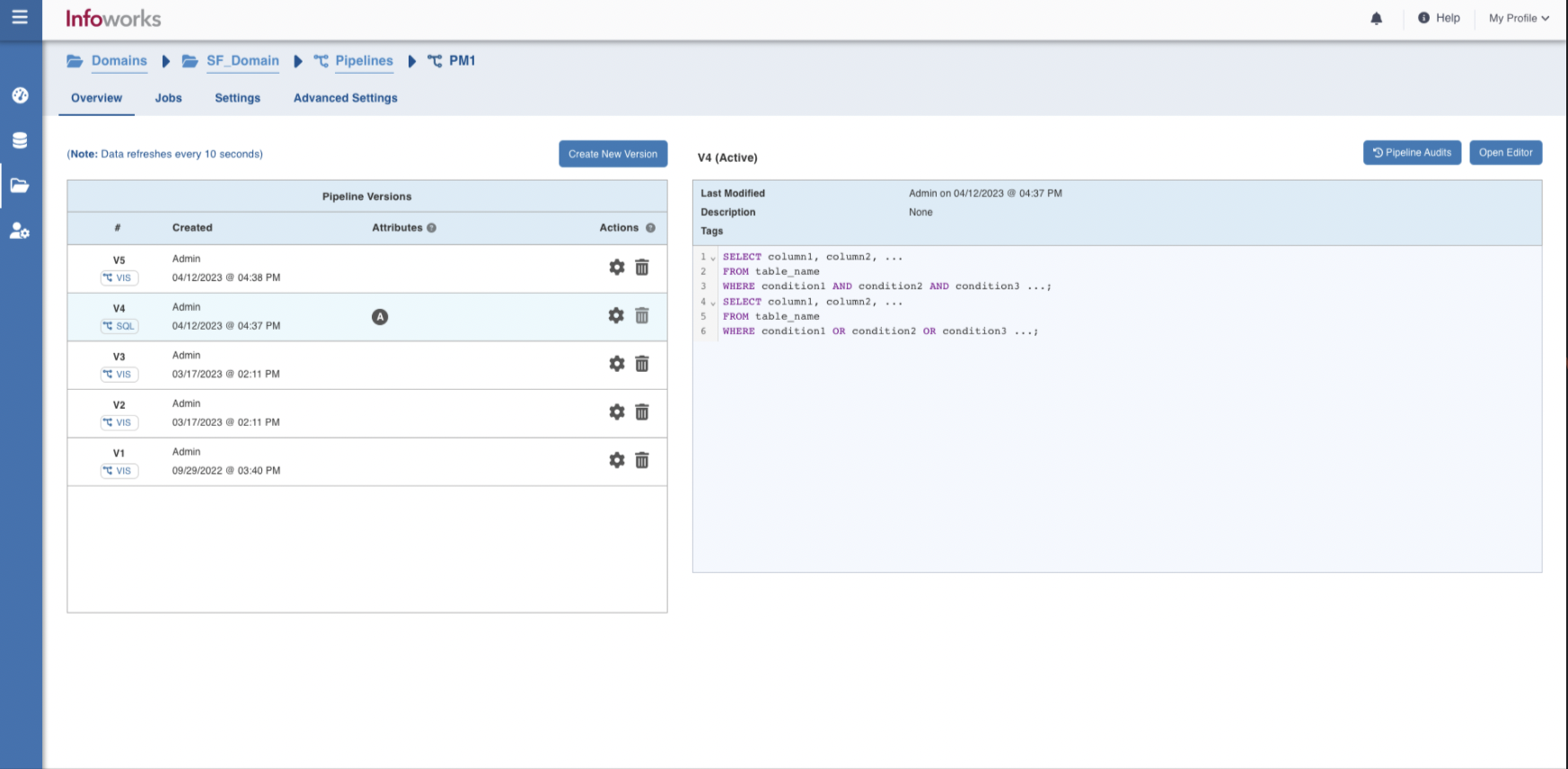
Step 4: Provide the SQL queries.
Type to search, ESC to discard
Last updated on Apr 19, 2023
Was this page helpful?
Next to read:
Designing a Visual PipelineFor more details, refer to our Knowledge Base and Best Practices!
For help, contact our support team!
© UNIPHORE TECHNOLOGIES 2025 | Confidential
Discard Changes
Do you want to discard your current changes and overwrite with the template?
Archive Synced Block
Message
Create new Template
What is this template's title?
Delete Template
Message