
To view Source Audits, perform the following steps:
Click the Data Catalog menu and click View Details for the required source.
Click the Source Setup tab and scroll down to the Audits section. The audit logs for the source is displayed.
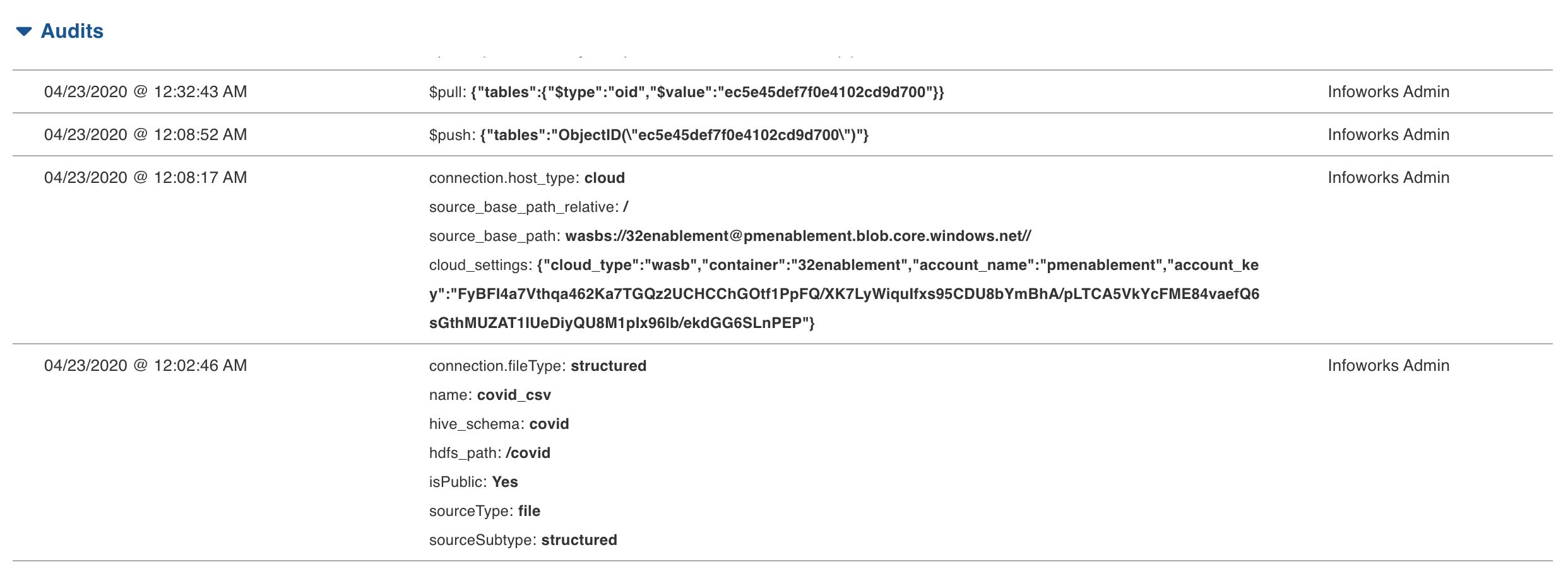
NOTE This screen displays only the modified properties. If a property was left unchanged during the iteration, it will not be displayed as an update, but the property will still be stored.
3. Click the Data Catalog menu and click Ingest for the required source.
NOTE For an already ingested table, click the View Source button.
Audit Logs
In source audit logs, following are some operators:
$push - the operator displayed when an entity is added.
$pull - the operator displayed when an entity is deleted.
In table audit logs, when updating column details, following logs are displayed:
columns.<columnIndexInTable>.<key>:<UpdatedValue>- indicates single column update.columns:[<list of all the columns with details>]- indicates bulk column update.