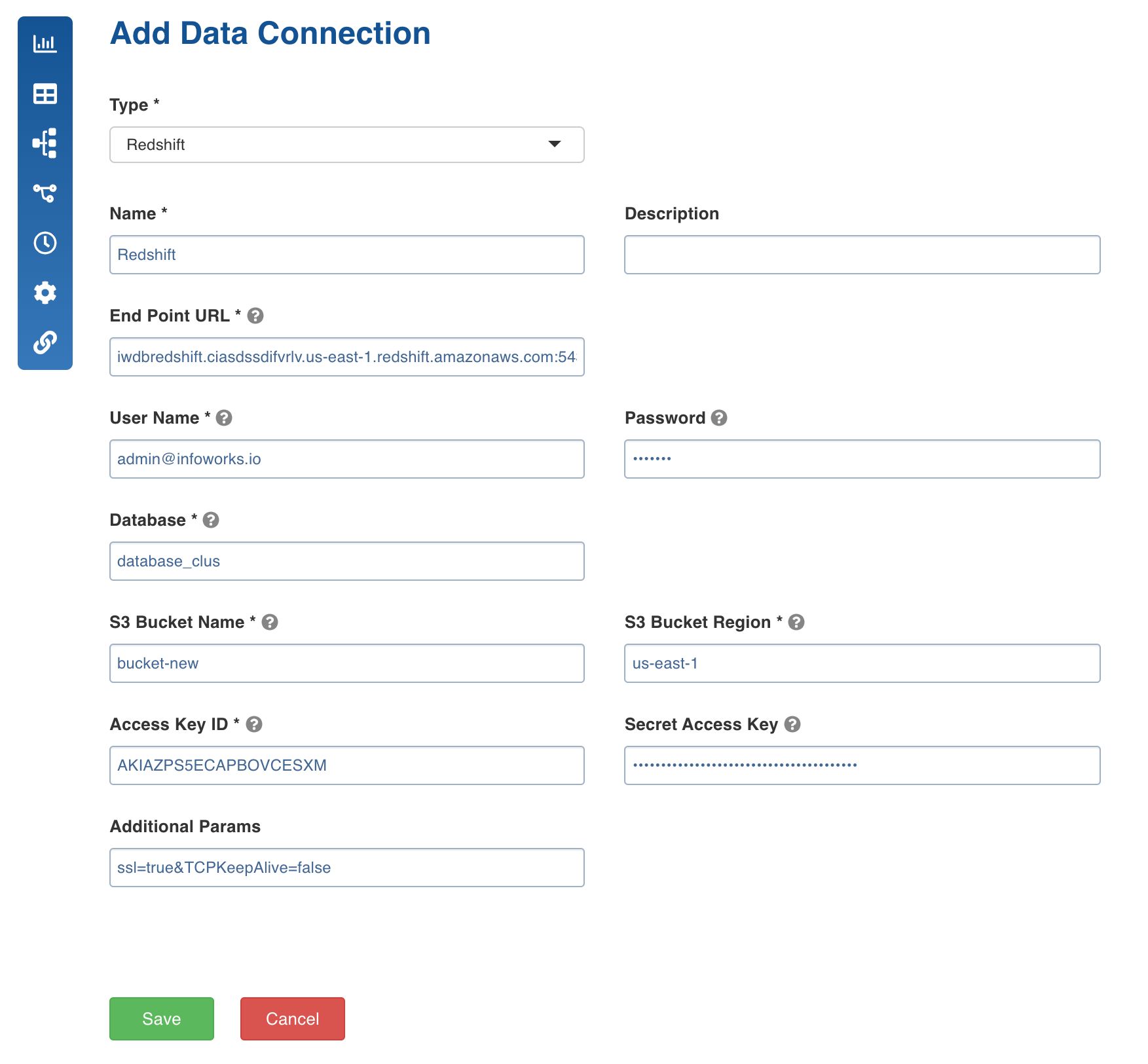
Following are the Redshift connection details:
Field | Description |
|---|---|
Type | The type of connection. Select Redshift. |
Name | The name for the target data connection. For example, tar_con. NOTE The connection name must be unique across the specific domain. |
Description | The description for the target data connection. |
Endpoint URL | The endpoint of the Redshift cluster in the format, |
User Name | The user name of the Redshift account. For example, redshift_421 |
Password | The password of the Redshift account. For example, 123456. |
Database | The name of the database created for the cluster. |
S3 Bucket Name | The name of the S3 Bucket. For example, bucket-new. |
S3 Bucket Region | The S3 bucket Region. For example, us-east-1. |
Access Key ID | The access key ID of IAM user. |
Secret Access Key | The Secret Access Key of IAM User. |
Additional Params | The optional JDBC parameters. For example, ssl=true&TCPKeepAlive=false |