
The following is the procedure to re-ingest the failed jobs:
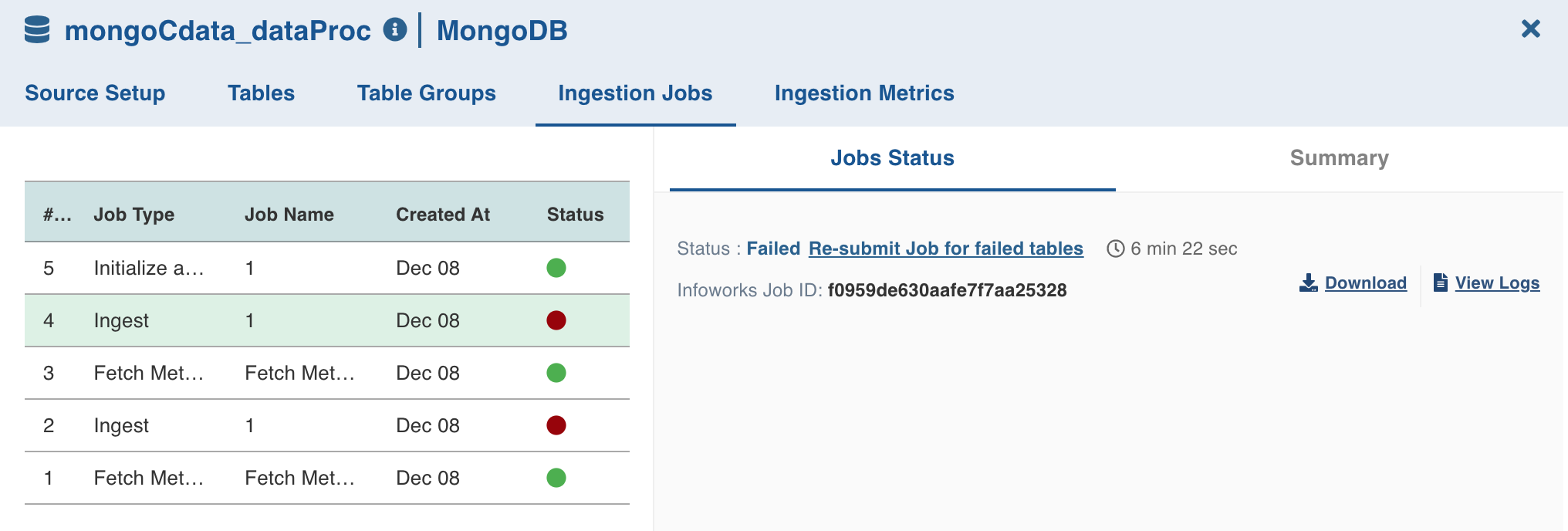
Navigate to the Ingestion Jobs tab for the required source.
Click the failed job and click the Re-submit Job for failed tables option in the Job Status section.
Click the Yes, Submit Job button in the pop-up message. This will re-submit the job for the failed tables.
NOTE Re-submitting failed jobs do not include the latest table configurations or compute configurations. Submit a new job if the table configurations or compute configurations have been modified.
Was this page helpful?