
Infoworks Orchestrator workflow is created under a domain where the Cube and Pipeline artifacts also exist.
Following are the steps to add a new workflow to a domain:
Navigate to the Domains page and click the required domain.
Click the Workflows icon and click the New Workflow button.
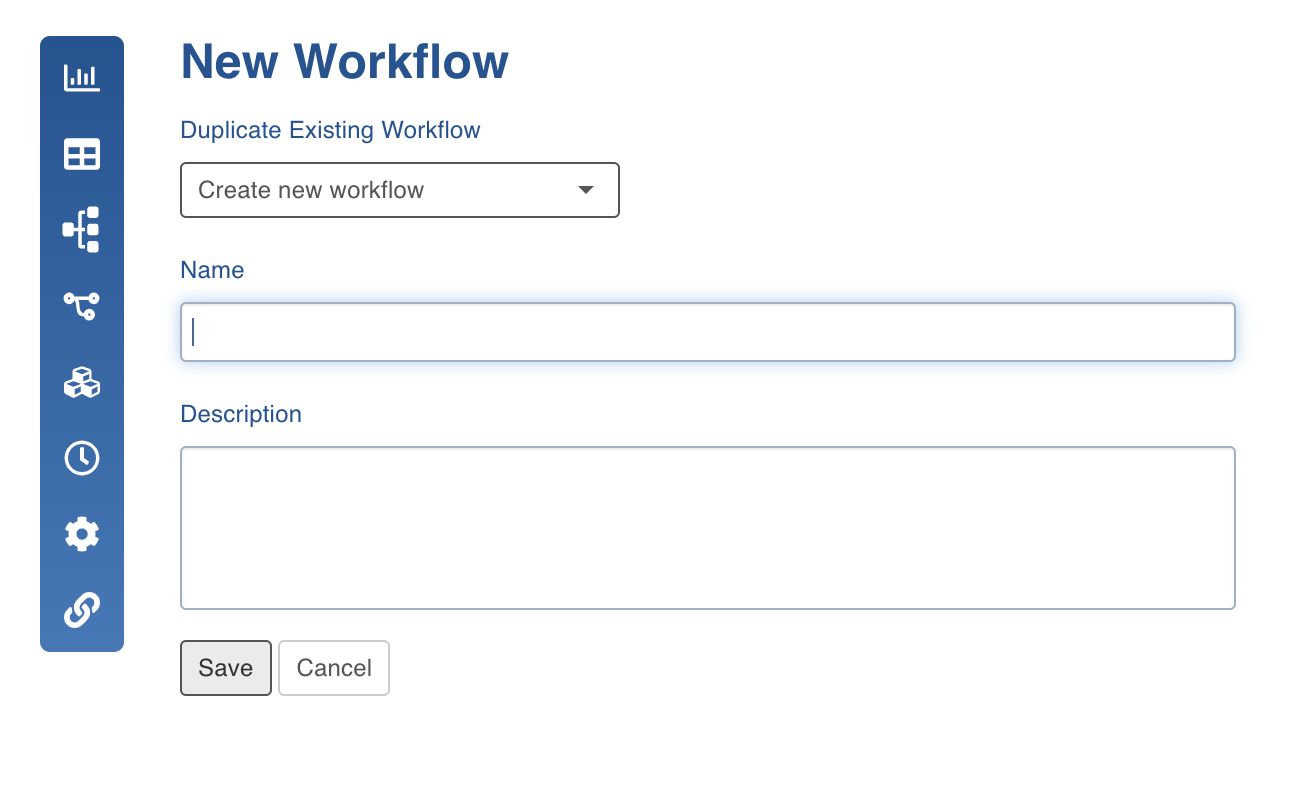
Select Create new workflow and enter the required Name and Description.
Click Save to save the changes. The new workflow will be added to the list of existing workflows.
Was this page helpful?