Sample use cases are available on Infoworks upon installation. You can explore the sample use cases and quickly understand how to use the core product capabilities - onboarding, preparing and operationalizing data. You can also use the datasets to rebuild the use case as a learning exercise.
The pre-built sample datasets include the following :
Administration Tasks
The admin has permission to create sources, domains, and configure them as required. These are the basic components on which data analysis can be performed.
Source
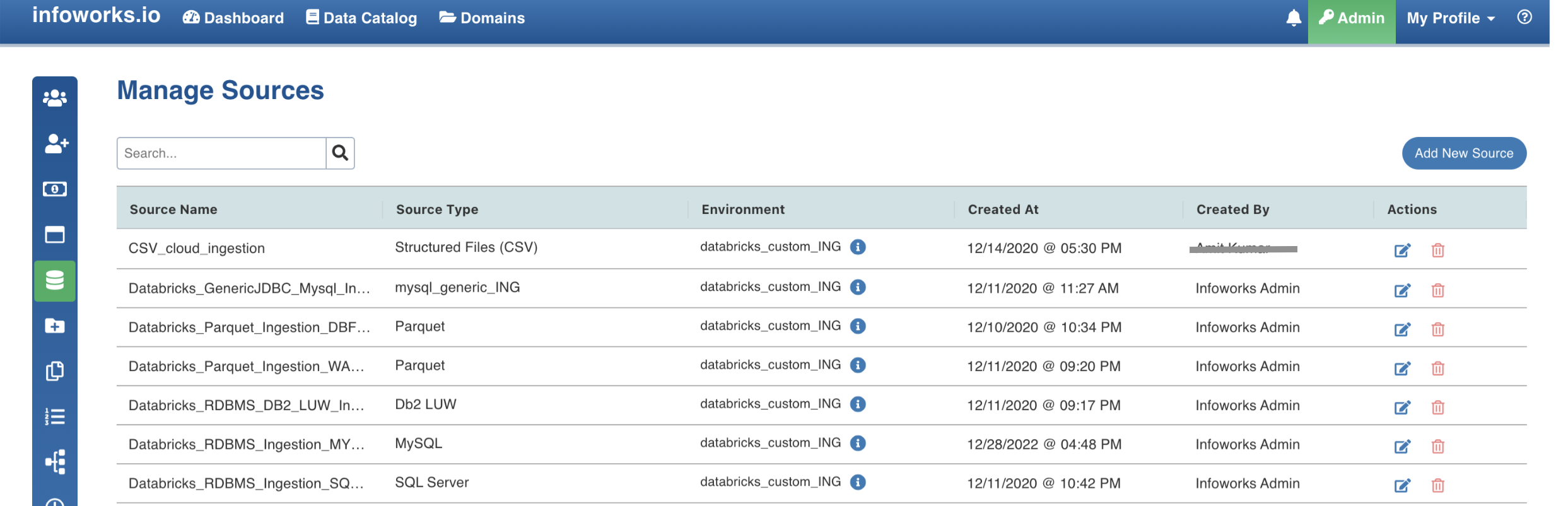
The Manage Sources page includes two CSV sample sources.
Field | Description |
|---|---|
Sample Sources | Sample_Sales, Sample_Weather |
Operation | CSV sources created by the admin. |
Navigation | Admin > Sources |
Domain
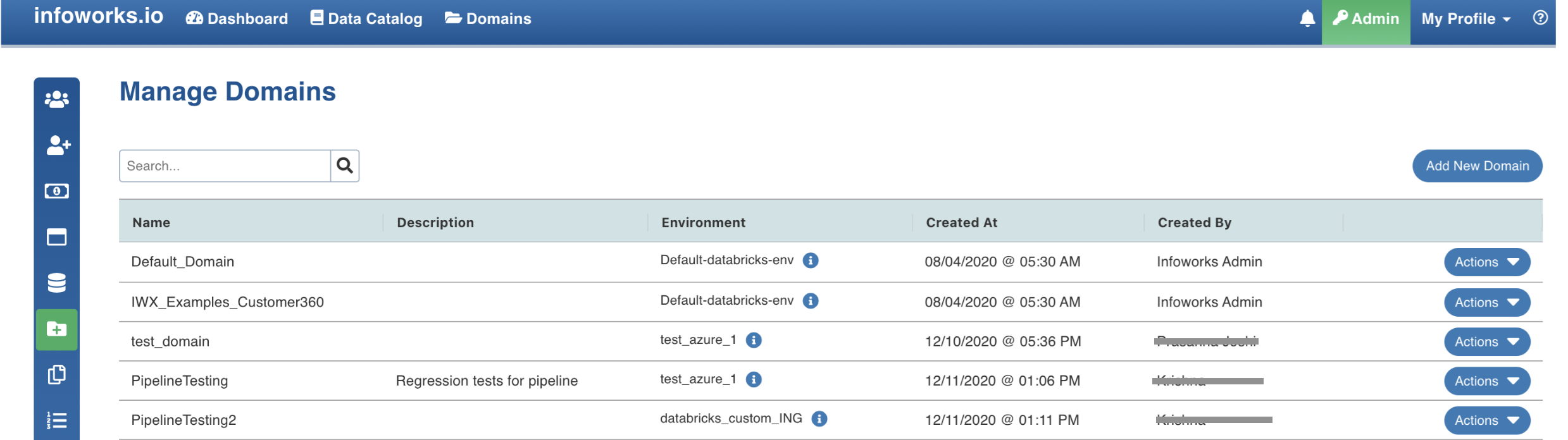
The Manage Domains page includes a sample domain on which data transformations and orchestration are performed.
Field | Description |
|---|---|
Sample Domain | Sample_Salesforecasting_Domain |
Operation | Sources created by the admin and added to the domain. |
Navigation | Admin > Domains |
Onboarding
Onboarding data is the first step to perform data analytics. The ingestion process brings in data from various sources like RDMS, Structured Files, and so on.
Data Source
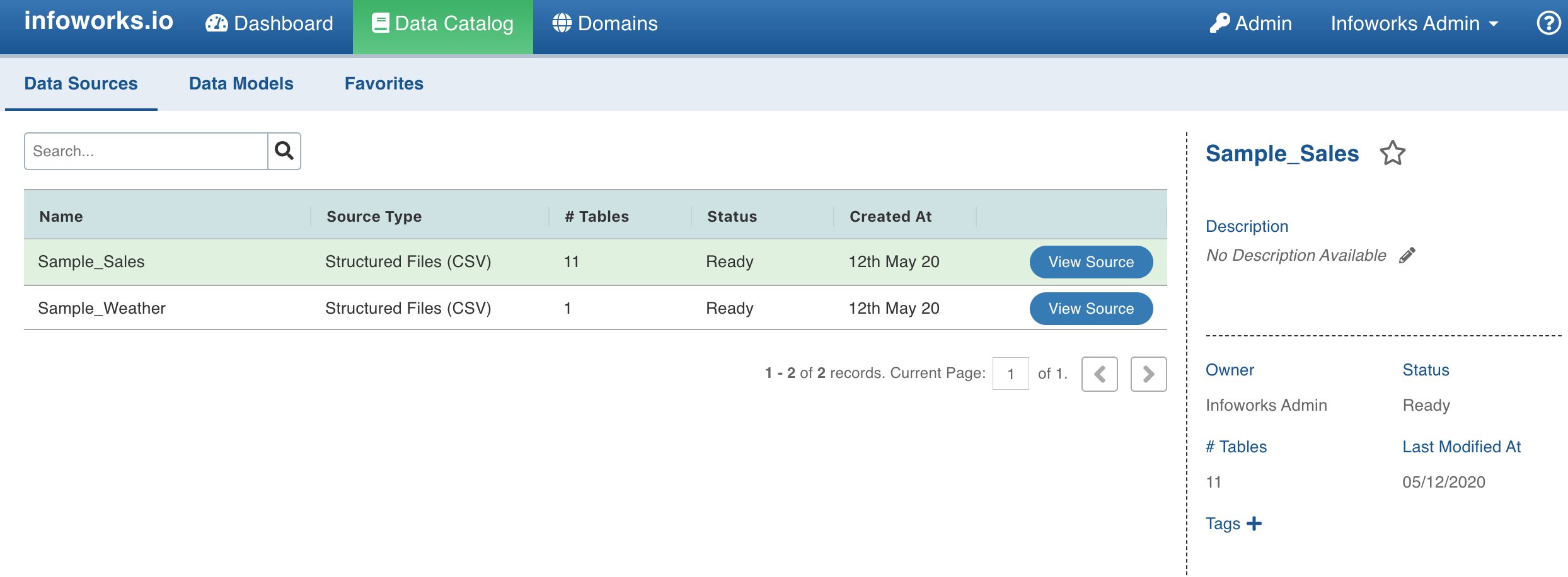
The Data Sources page includes the sample CSV sources on which data ingestion has been performed.
Field | Description |
|---|---|
Sample Data Sources | Sample_Sales, Sample_Weather |
Operation | The CSV files are uploaded to Databricks. Source data fetched from DBFS into Infoworks. Source Metadata and data crawled. |
Navigation | Data Catalog > Data Sources |
Preparing
Once the data is on-boarded, transformations are performed on the ingested data. Data transformation process is primarily used to prepare, transform and augment data.
Pipeline
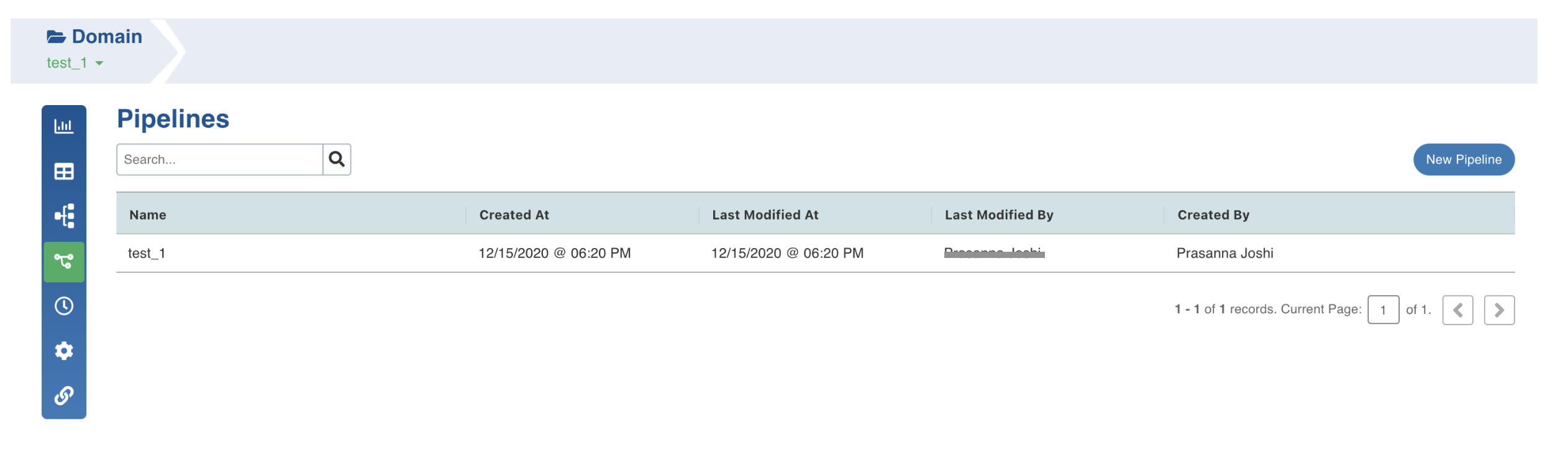
The Pipelines page includes a sample pipeline with transformations performed on the ingested source data.
Field | Description |
|---|---|
Sample Pipeline | SalesForecasting_Pipeline |
Operation | Pipeline created on domain. transformations performed on ingested data. Pipeline built to obtain required results. |
Navigation | Domains > Pipelines |
Operationalizing
Infoworks simplifies management of analytics by operationalizing the data pipeline deployment and orchestration. A workflow is created to collect all the tasks to be run and organize the tasks to reflect their relationships and dependencies.
Workflow
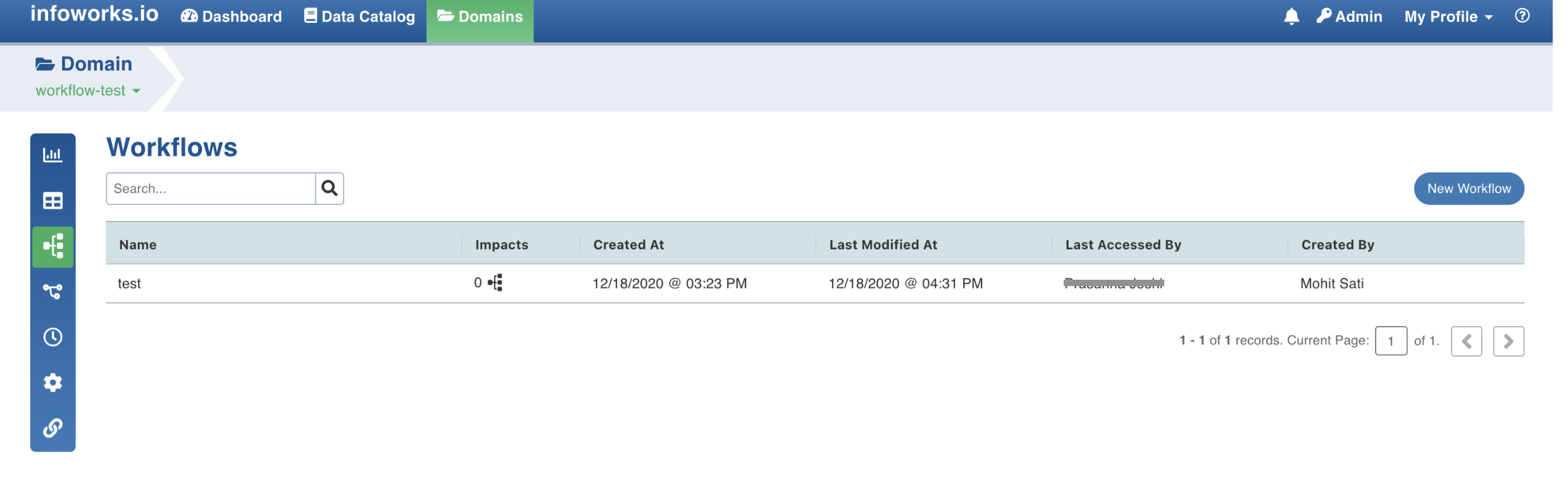
The Workflows page includes a workflow which performs ingestion and transformation in sequence.
Field | Description |
|---|---|
Sample Pipeline | SalesForecasting_Workflow |
Operation | Workflow created on domain. Orchestrator designed to run sources and Pipeline in sequence. Workflow built to obtain required results. |
Navigation | Domains > Workflows |