
Perform the following steps to use Infoworks Data Catalog:
Click the Data Catalog menu. The Data Catalog page is displayed.
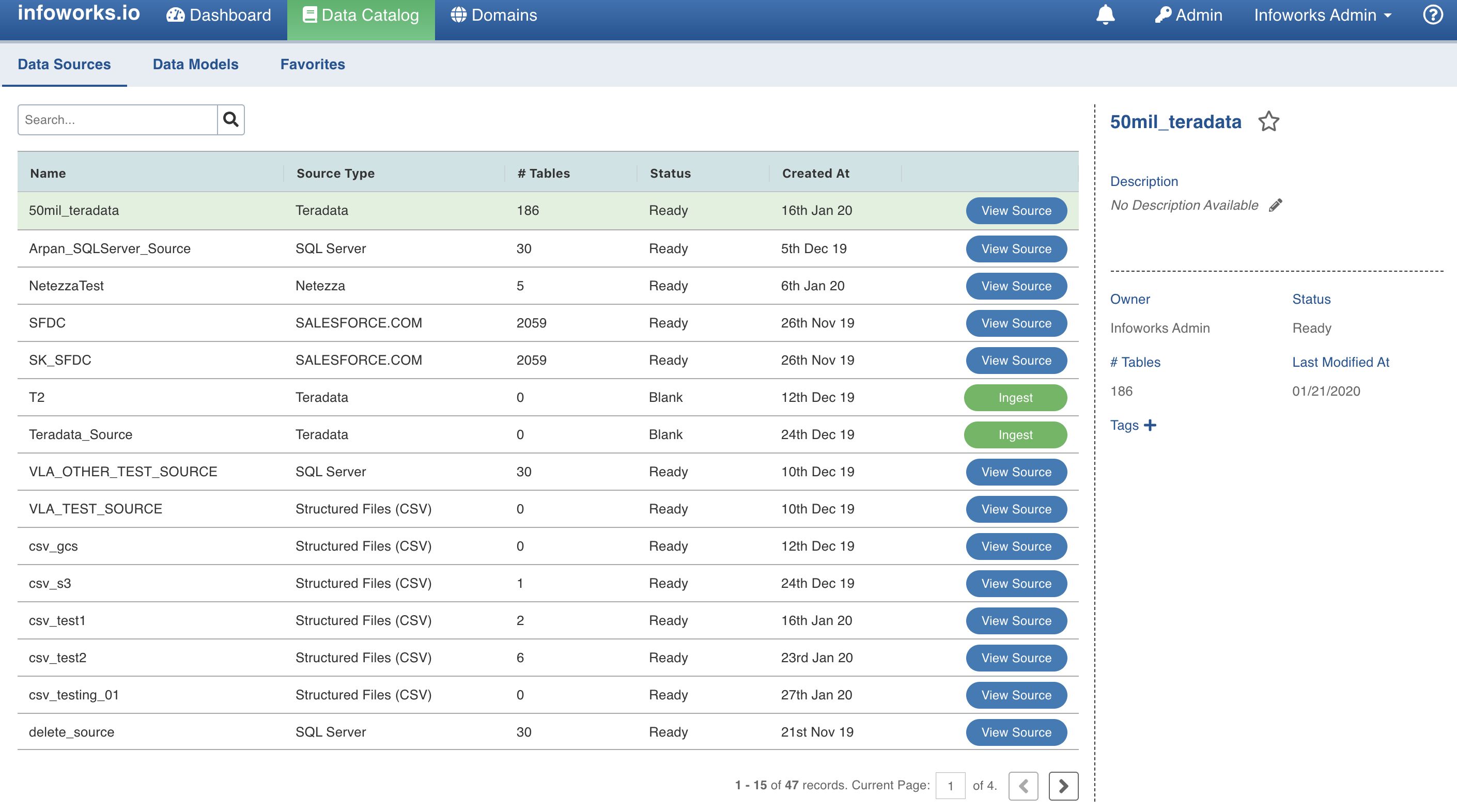
Enter the data to be searched in the Search menu, and click the search icon. A list of records matching the search keyword is displayed.
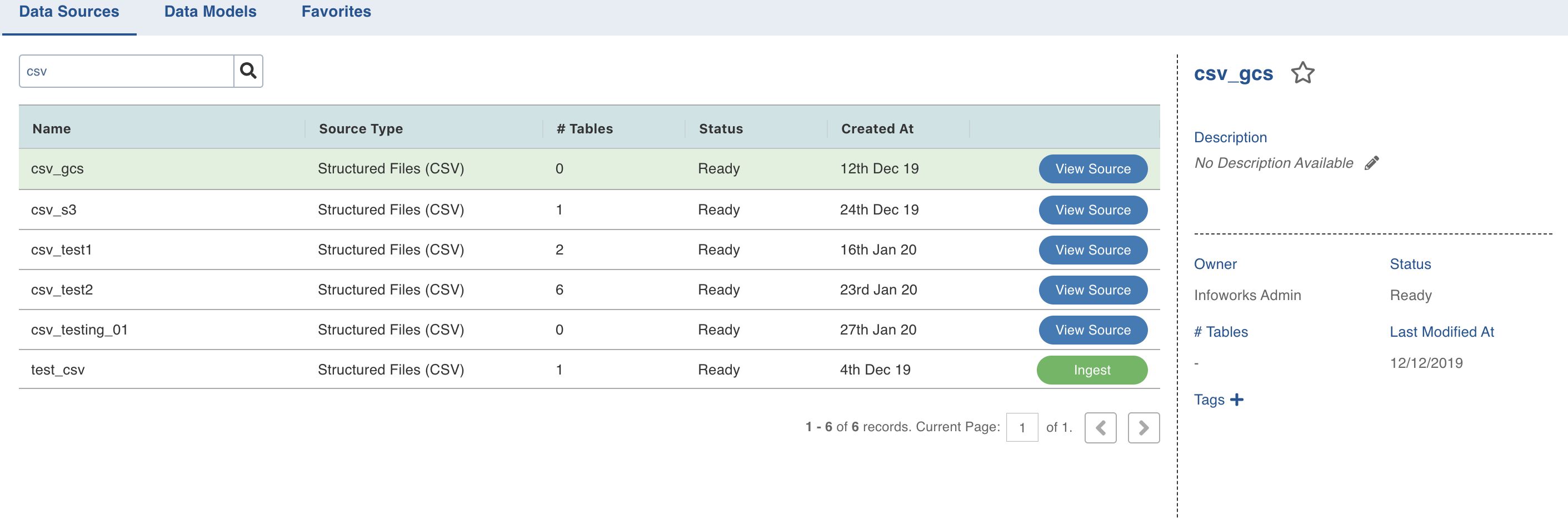
In the search result, click the Name of the required record. The right pane displays details of the selected record.
The buttons corresponding to every result in the list helps the user to perform actions such as Ingestion, Viewing Source, and so on, as the name suggests.
Tabs
The three tabs Data Sources, Data Models and Favorites allow you to view and filter the required data. Descriptions are as follows:
Data Sources: Includes all sources regardless of access control. Using the Search field, you can search a record by its name, or part of the name.
Data Models: Includes all tables regardless of access control. Using the Search field, you can search a record by its name, or part of the name.
Favorites: Includes all the sources or tables which are set as favorites. Search option is not enabled in the Favorites tab.