
Important
After creating the pipeline group, adding pipelines to the group, and setting their execution order, the pipeline group is ready to be built.
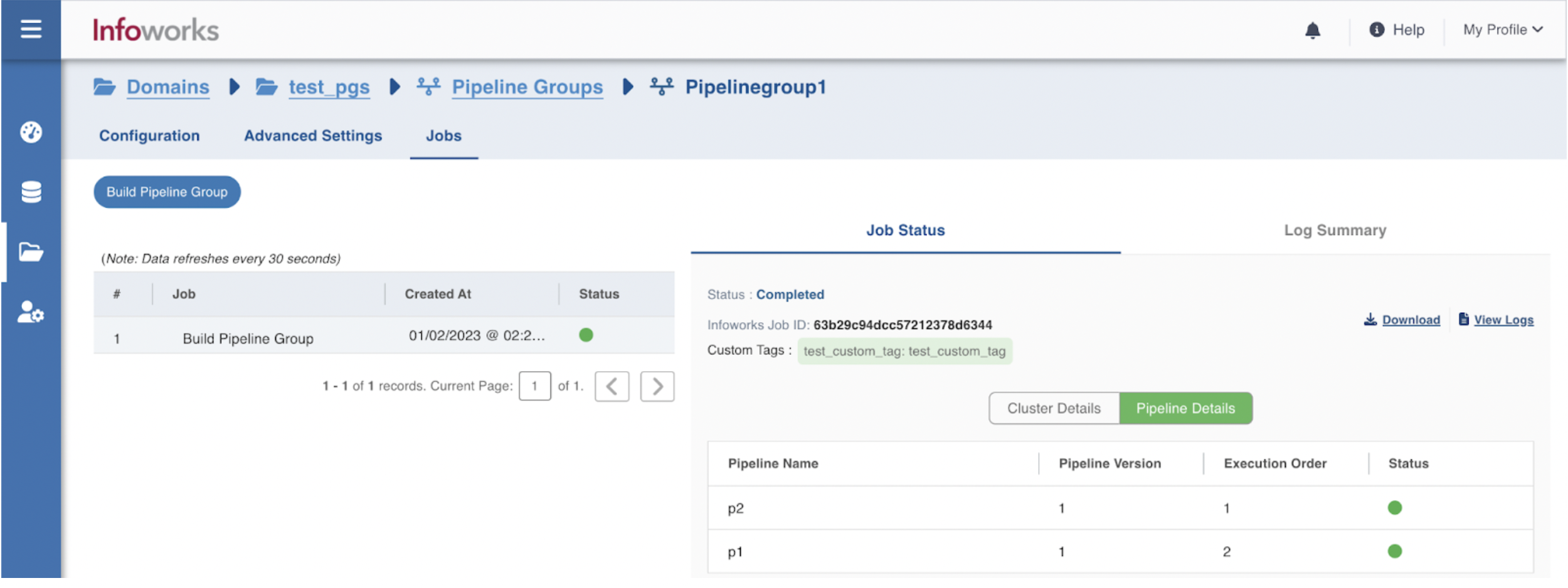
Following are the steps to build a pipeline group:
Step 1: Go to Domains and click the respective domain name.
Step 2: Under the Pipeline Groups tab, click the Edit button for the respective pipeline group.
Step 3: Go to Jobs tab and click Build Pipeline Group.
Was this page helpful?