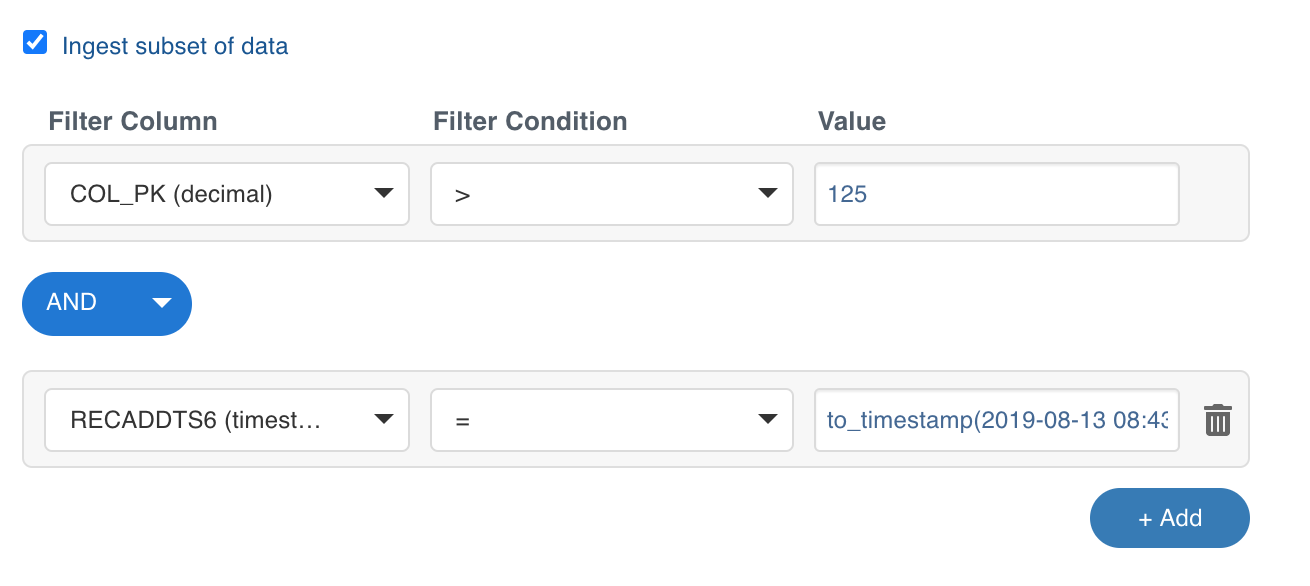
You can specify filter conditions to extract a subset of data from source tables using the Ingest subset of data option in the Ingestion Configuration page. This option is used to ingest a subset of data based on the filter configured.
The filter options include the following:
Field | Description |
|---|---|
Filter Column | The column on which the filter condition is to be applied. |
Filter Condition | The operator of the filter operation to be performed on the column. |
Value | The comparison value. |
NOTES
If the filter column type is varchar, the value must be enclosed within single quotes.
For some databases, if the filter column value is a timestamp or datetime, the value must be enclosed within the corresponding functions. For example,
to_timestamp(<value>), to_date(<value>).Once the table is ingested, the filter conditions configured cannot be modified.
You can click the Add button to add more filter combinations. The combine conditions include AND and OR.