Requirements
Components
The following components (for EMR 5.17.0) must be selected when spinning up the cluster:
Hadoop 2.8.4
HBase 1.4.6
Hive and HCatalog 2.3.3
Spark 2.3.1
Tez 0.8.4
Zookeeper 3.4.12
Node Services
Ensure that the following node services are running on the respective nodes:
Master Node: Name Node, Resource Manager, Hive Servers, Application Timeline Server, Spark History Server and Zookeeper Server.
Core Nodes: Data Nodes, Node Managers and Region Servers.
EdgeNode: All Clients and IWX.
Edge Node
Infoworks requires a compute instance to set up as an edge node.
This instance must be in the same subnet as the subnet of the EMR Cluster.
This instance must have an IAM role associated with EMR (AmazonElasticMapReduceRole) and S3 (Amazon S3 Full Access).
Note the Security Group ID of Edge Node that must be added as an inbound rule for master and slave security groups.
Ensure the following are available:
Security Group with inbound rules for which traffic must be allowed internally with EMR and Infoworks edge node.
EMR cluster master node Private IP address.
NOTES:
Building marketplace solution in AWS is in progress and currently not available.
Currently, only EMR 5.17.0 version is supported.
Installing and Configuring EMR Cluster in AWS
Login to AWS Console.
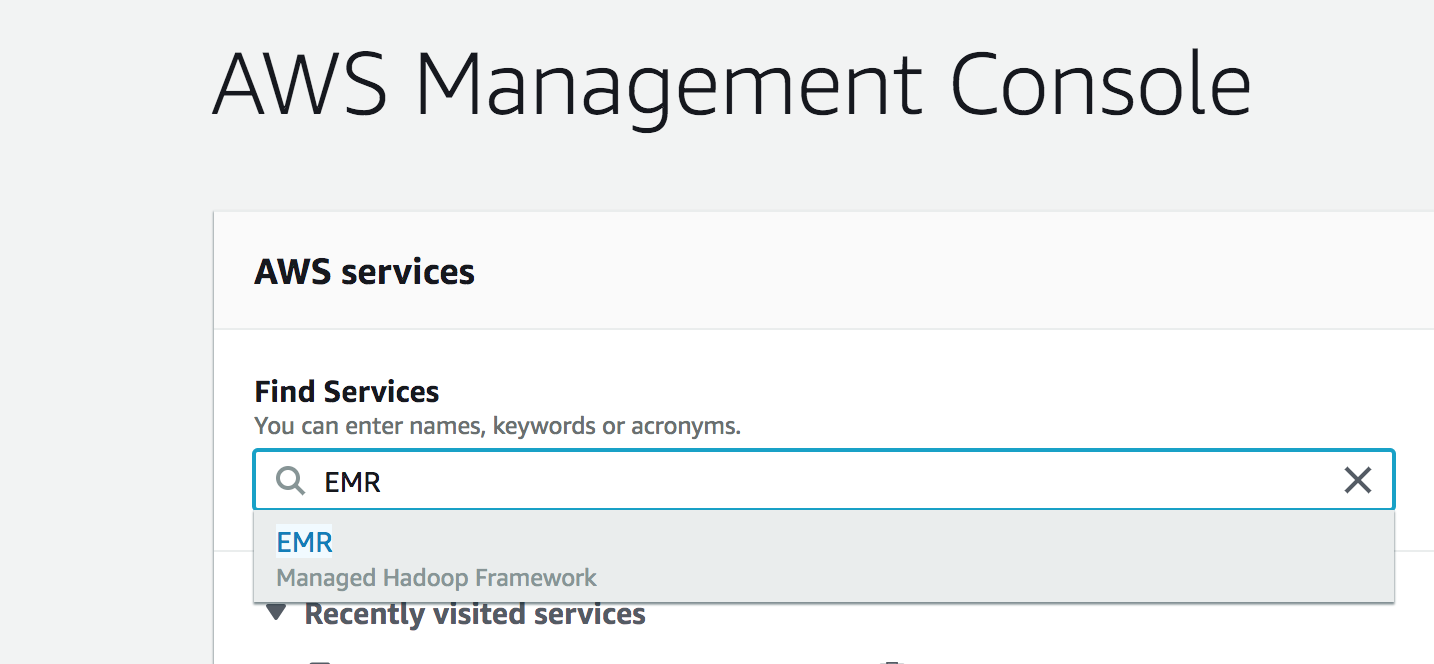
Search for EMR in Find Services of AWS Console dashboard.
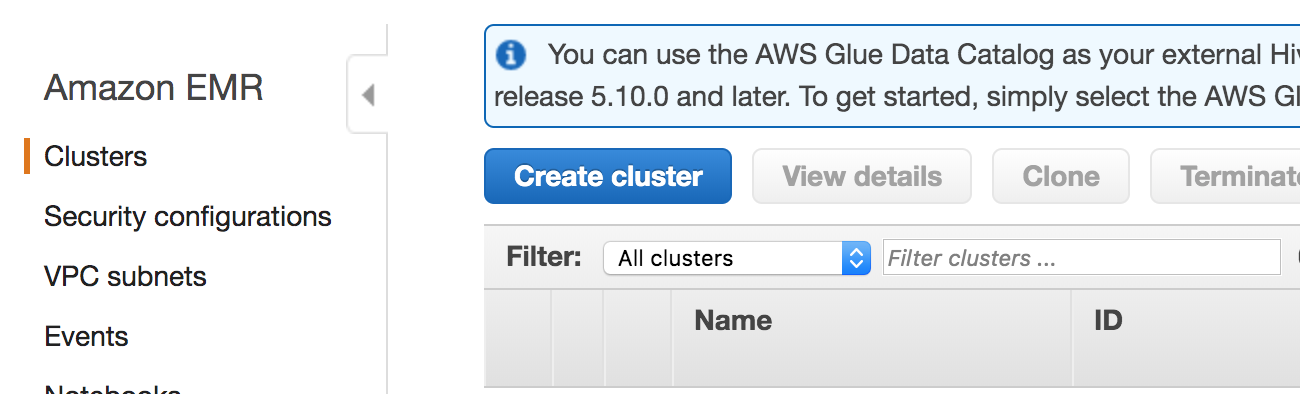
In the EMR dashboard, select Create cluster and switch to Advanced Options on top of the cluster parameters section. This option allows you to select the required applications for Infoworks.